



Vcontrol 2
Video Door Phone with Intercom Access Control Device, Work with Tuya WiFi
two way video intercom system
2.4G WiFi connection, Android and iOS available
2MP+wide angle camera and night vision
Support TF card with unlimited capacity
Support motion detection, playback, take picture/video, unlock remotely
Touch key with one relay, 1000 users
EM card, Mifare card optional
Wiegand 26~44, 56, 58 bits in put & output
User data can be transferred
2 devices can be interlocked for 2 doors


Sales Inquiry
Description of Video Door Phone with Intercom Access Control
The device is Touch key Access Controller with WiFi-enabled Intercom. People can install the APP for intercom with their smart phone, and program the access controller by touch key. It is compatible with both iOS (7.0 above) and Android (4.3 above).
Features of Video Door Phone with Intercom Access Control
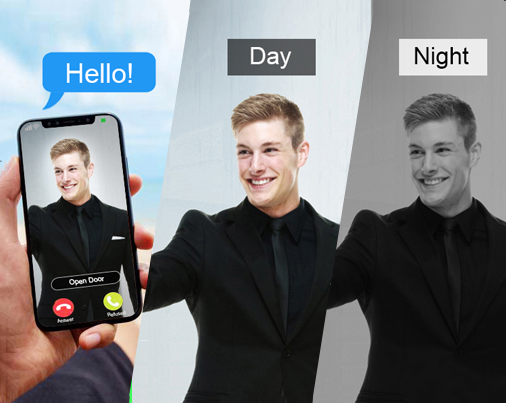
2.0Mpx(1080P) camera for video talking
Night Vision: IR-CUT
Night Vision: IR-CUT
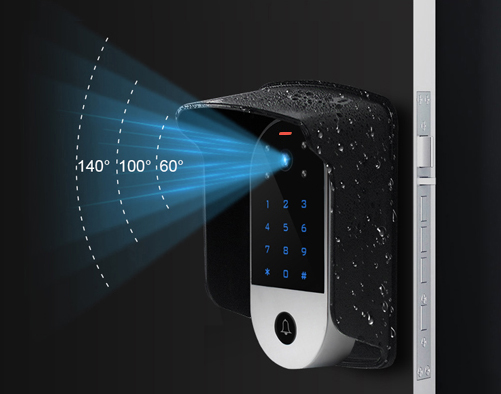
140° wide angle
Use rain cover for outdoor
Use rain cover for outdoor
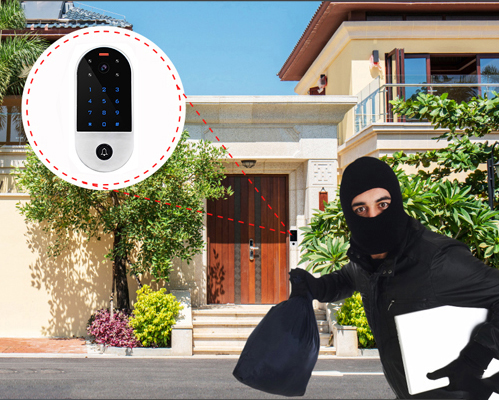
Motion detection
Take picture / Video Record
Take picture / Video Record
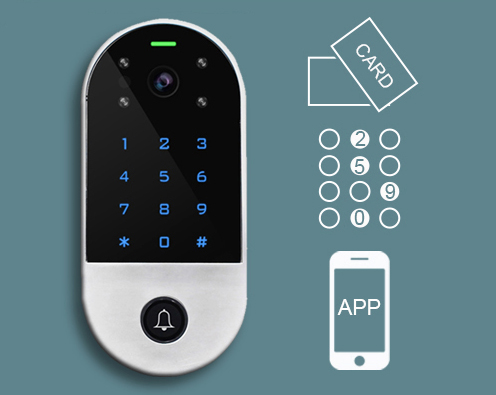
Access Mode:
Card, PIN, Phone(remotely)
Card, PIN, Phone(remotely)
FAQ of Video Door Phone with Intercom Access Control
1. No voice or one-way audio during intercom?
It is two way video intercom system, please check if the volume is muted, the voice button is off, or there is network latency. Restart the device and ensure both the door phone and phone have normal audio permissions.
2. How to save and playback video recordings?
Insert a memory card into the video intercom door phone, or enable cloud storage in the Tuya App(This service may be charged). Recorded videos can be viewed and downloaded directly in the App’s playback interface.
Insert a memory card into the video intercom door phone, or enable cloud storage in the Tuya App(This service may be charged). Recorded videos can be viewed and downloaded directly in the App’s playback interface.
3. Can the video intercom door phone remotely unlock the electric lock?
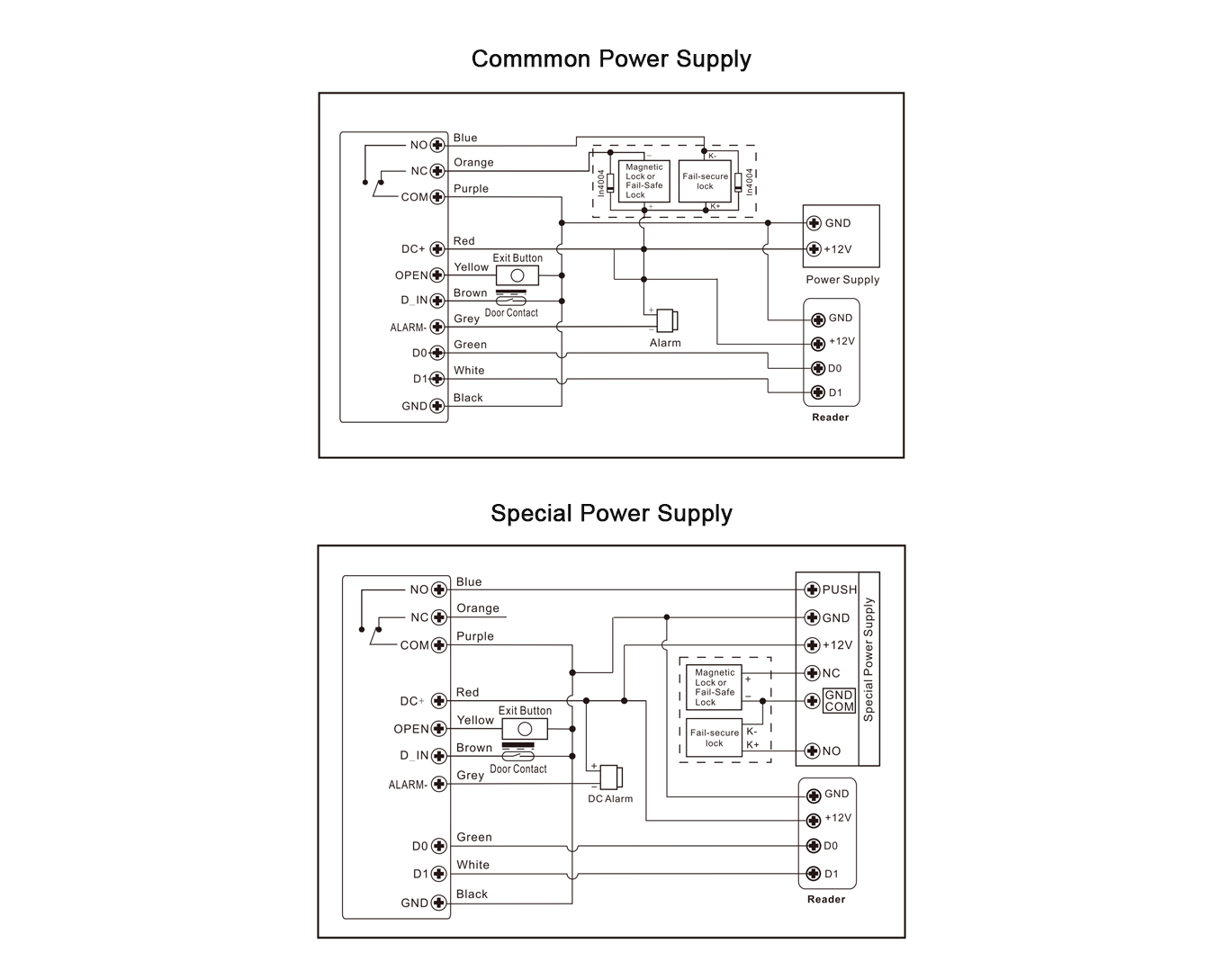
Yes. After correctly wiring the door phone’s relay output to the electric lock, you can press the unlock button in the Tuya App to open the door remotely when the device is online.