

Top Rated: The Best Smart Locks for Apartment Buildings and Managed Properties
Top Rated: The Best Smart Locks for Apartment Buildings and Managed Properties
A practical buying guide for property managers using TTLock or considering TTHotel.
Managing an apartment building means managing constant changes: new residents, departing tenants, maintenance visits, lost credentials, and after-hours arrivals. A smart lock earns its place when it makes those everyday tasks easier to control.
The best smart locks for apartment buildings combine suitable door hardware with a clear process for granting, reviewing, and ending access. For property managers, the right choice depends on how the building operates, how often occupants change, and who needs to manage the doors.
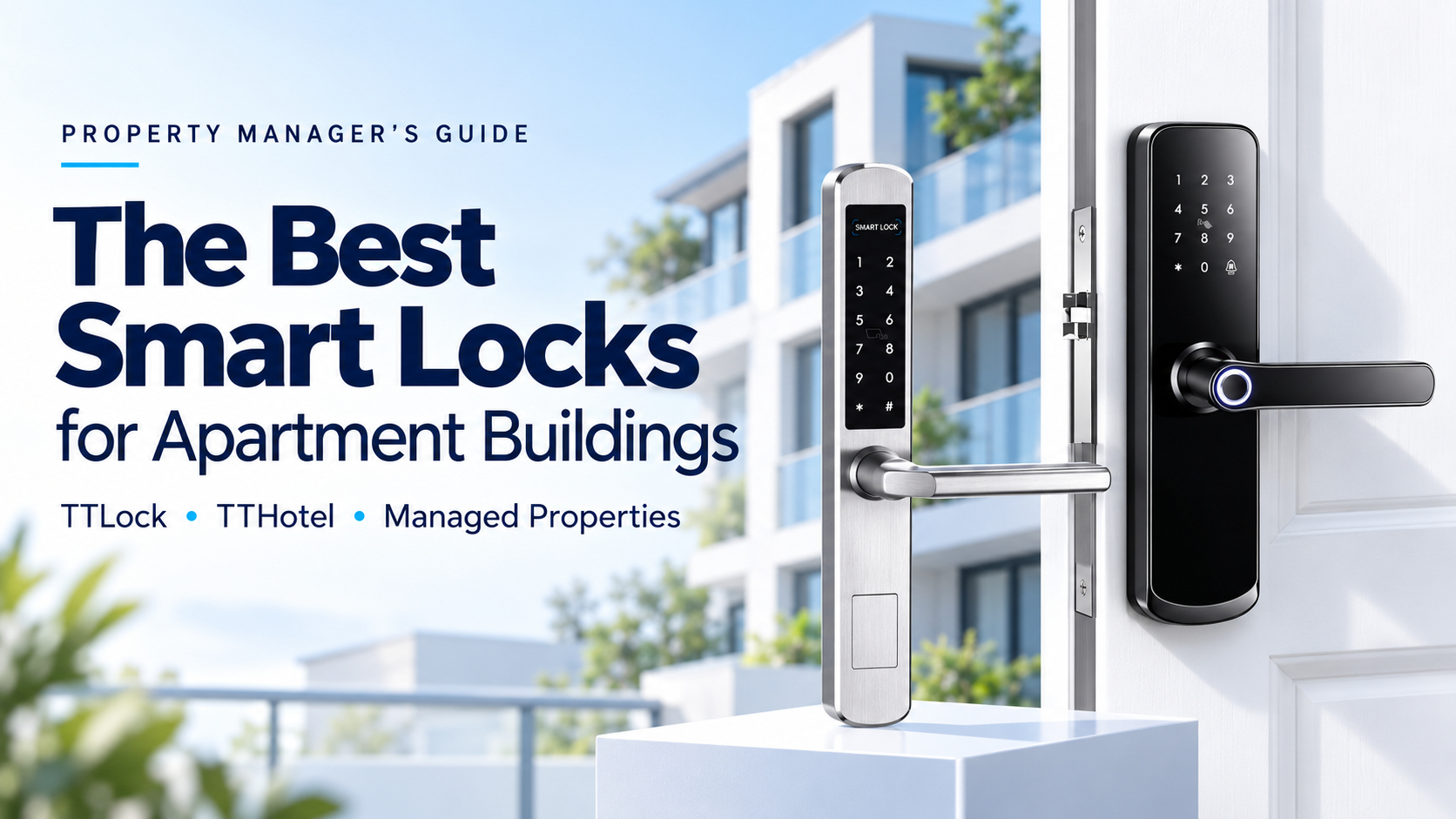
This guide uses the D280 TTLock hotel lock and the slim RFID door lock shown in our product images as two starting points for evaluation. “Top rated” is the buying-guide theme, rather than a claim of independently tested rankings or customer review scores.
1. What Makes a Smart Lock Right for Managed Properties?
Start with the operational problem. A long-term apartment building may need straightforward resident access and occasional contractor visits. Serviced apartments may need frequent credential changes, stay extensions, and coordinated housekeeping access.
Evaluate every candidate against five priorities:
- Turnover: How quickly can staff prepare access for the next occupant?
- Control: Can each person receive only the doors and access period they need?
- Reliability: Does the hardware suit the door, installation environment, and expected traffic?
- Maintenance: Can staff identify battery issues and service locks without unnecessary callouts?
- Management: Does the software match the way the team handles residents, guests, and staff?
A useful comparison looks beyond the lock price. Include fitting, gateways where required, card encoders, credentials, batteries, training, software services, and ongoing support in the project budget.
2. Comparing Lock Options for High-Turnover Units
D280 TTLock Hotel Lock: A Starting Point for App-Based Access
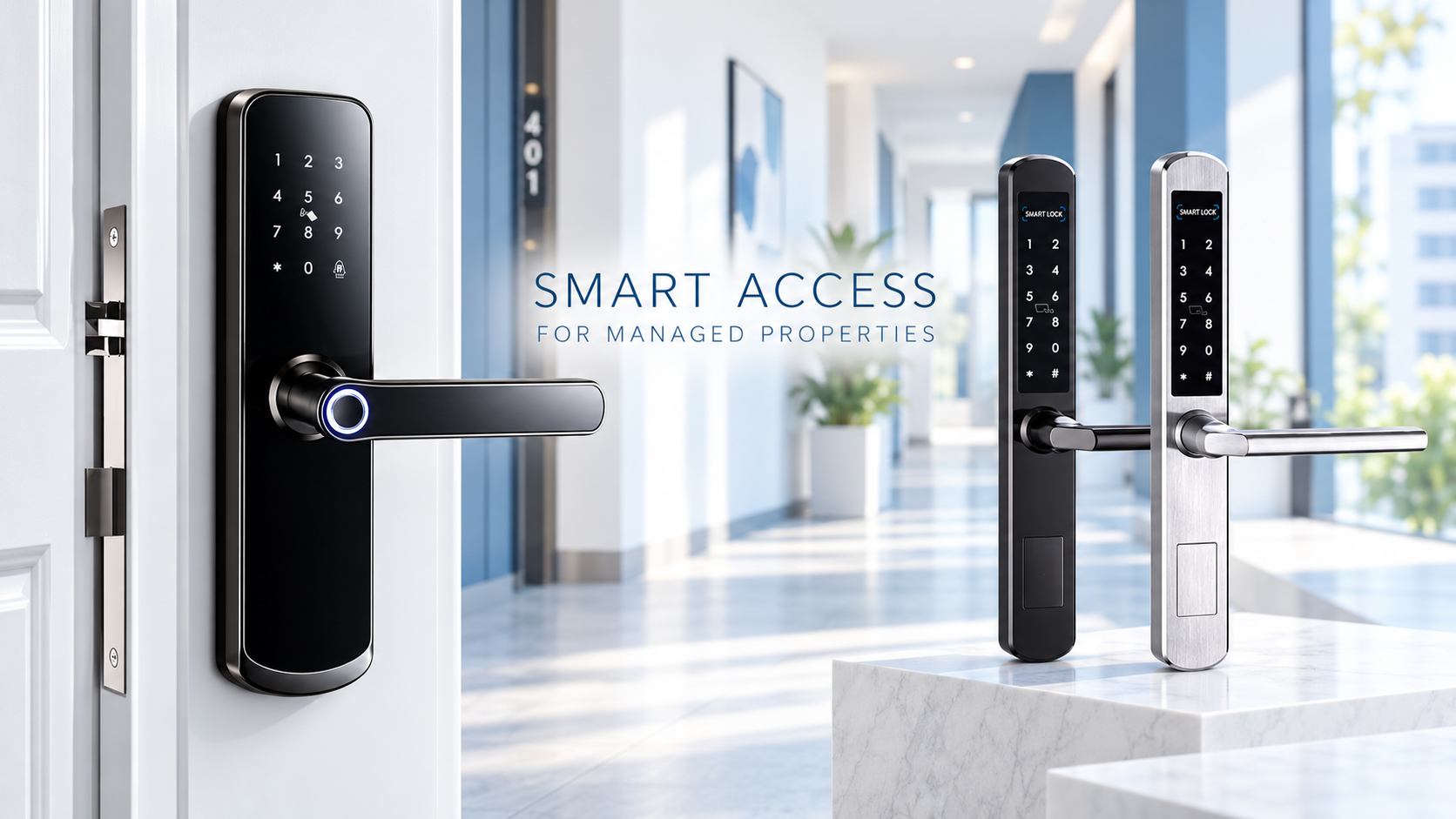
The supplied D280 image shows a black lever-handle lock with a keypad and states that it works with the TTLock App. It is a candidate for property managers who want to evaluate smartphone administration alongside the physical door hardware.
TTLock supports managing eKeys, passcodes, and cards on compatible locks. Which methods are available on a particular D280 configuration must be confirmed against its specification. Do not assume that every access method listed by the platform is fitted to every lock.
For a pilot, ask staff to demonstrate a complete resident change: create a credential, test it at the door, end access, and confirm the old credential no longer works. This reveals more than a simple unlocking demonstration.
D290 Slim RFID Door Lock: A Starting Point for Card-Oriented Access
The second supplied image shows a slim lock design in black and silver finishes, with a keypad and card symbol. This makes it a useful candidate to discuss where physical cards remain an important part of the resident or guest experience.
A card option can suit occupants who prefer carrying a credential to using a phone. However, the image alone does not establish its card technology, battery life, environmental rating, or compatibility with TTLock or TTHotel. Confirm the exact model, electronics, and firmware before specifying a platform.
| Selection question | D280 shown in supplied material | D290 Slim RFID lock shown in supplied material |
|---|---|---|
| Visible design | Black lever lock with keypad | Slim lever design; black and silver finishes |
| Platform evidence | TTLock App support, TTHotel software support | TTLock App support, TTHotel software support |
| Main evaluation focus | App administration and resident handover | Card workflow, finish selection, and platform suitability |
| Confirm before purchase | Enabled access methods, door fit, battery specification, and any TTHotel option | Model identity, card standard, software compatibility, and door fit |
Treat both as candidates for a property-specific trial. A product photograph cannot establish which lock performs better under sustained use.
3. Master Key vs. Digital Authorization
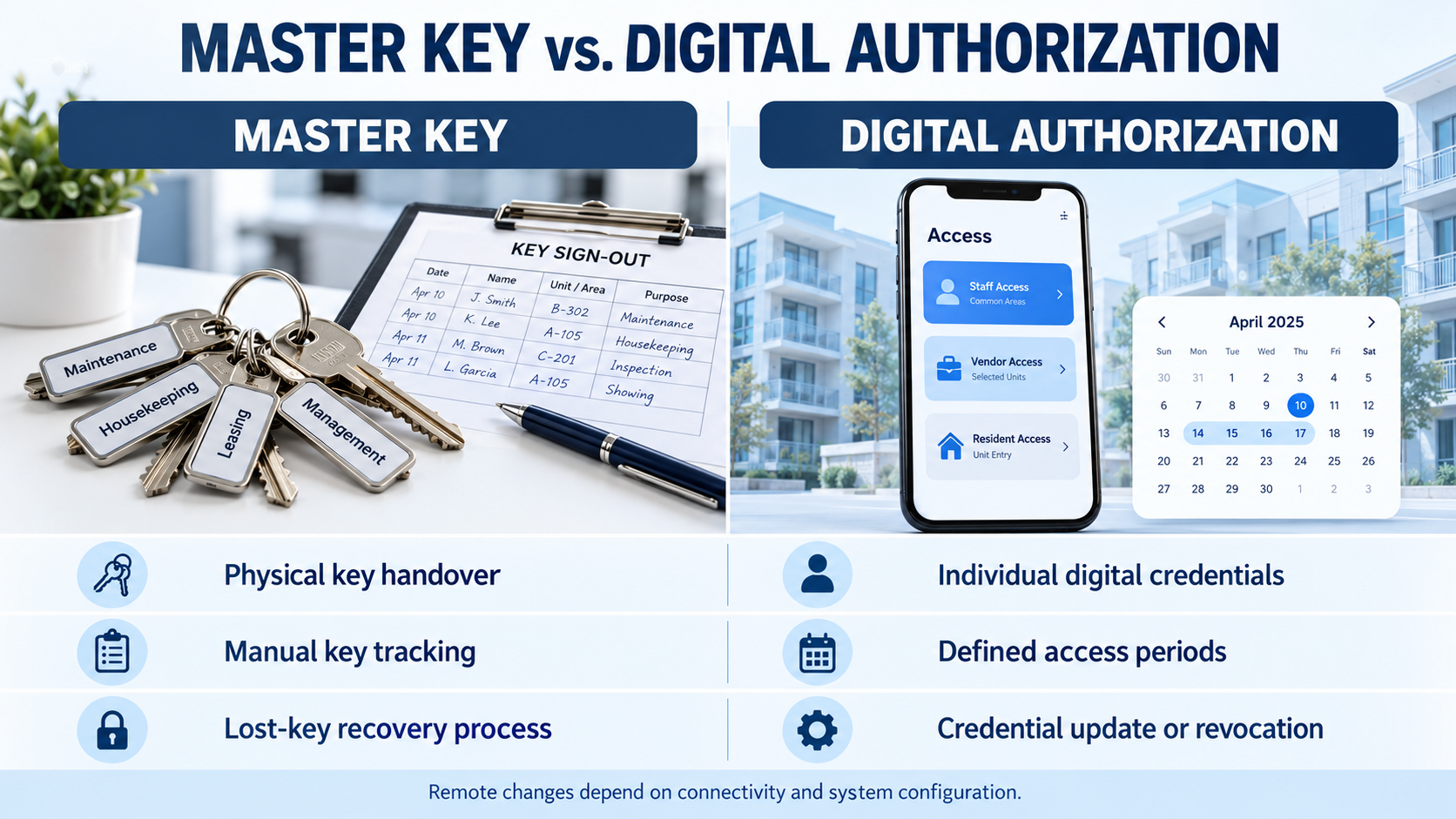
A mechanical master key offers a familiar way for authorized staff to enter multiple units. Its administration depends on secure storage, sign-out records, and control of physical copies. A missing master key can create a much wider problem than a lost individual room key.
Digital authorization lets managers define access using supported electronic credentials. Instead of sharing one permanent staff code, issue individual credentials and review their validity when responsibilities change.
For example, a resident may need ongoing unit access, a contractor may need a limited visit window, and a cleaner may need access only to assigned units. These are recommended access policies; the precise scheduling options must be checked on the selected platform and lock.
Expiry and Revocation Are Different
An access credential reaching its scheduled end time is different from cancelling it early. Managers should test both scenarios, especially when a lock is offline.
TTLock documents gateway-dependent functions such as remote unlocking, remote passcode deletion, and automatic record uploads. Some passcodes can be generated without the lock being online, but that does not mean every later change reaches an offline lock immediately.
The same care applies to hotel workflows. TTHotel documents different checkout procedures for eKeys, cards, and passcodes. For example, passcode deletion at checkout depends on a gateway or local staff action; card cancellation has its own encoder workflow. Lost-card handling may require an update at the lock. Train staff on the actual procedure rather than treating checkout as universal instant revocation.
Keep any mechanical override keys under a separate, documented control process. Digital management does not remove the need for a practical emergency entry plan.
4. Durability and Battery Life: Evaluate the Whole Door
Durability starts with correct installation. Check door thickness, handing, backset, mortise dimensions, frame alignment, and clearance before ordering. A lock that looks suitable may still require a different mortise or door preparation.
For exterior or exposed doors, request the model's documented operating temperature and ingress protection rating. For heavily used doors, request relevant cycle-test evidence and warranty terms. Do not infer weather resistance or commercial durability from a metal finish.
Battery life also needs a defined test basis. Ask the supplier which battery type is required and what opening frequency, temperature, and connectivity conditions were used for any claimed service interval. There is no verified battery-life figure for the two configurations in the supplied images.
Build a Preventive Battery Routine
- Record installation and replacement dates by door.
- Check battery status on a planned schedule and confirm when the reading was last updated.
- Replace batteries according to the manufacturer's instructions and the property's service policy.
- Keep approved spares available and test the specified emergency power or override method.
- Investigate repeated low-power alerts or difficult operation, including door alignment where relevant.
TTLock's web documentation includes battery level and battery update time. That timestamp matters: a displayed reading should not automatically be treated as a live measurement.
5. TTLock App or TTHotel: Which Fits Your Management Workflow?
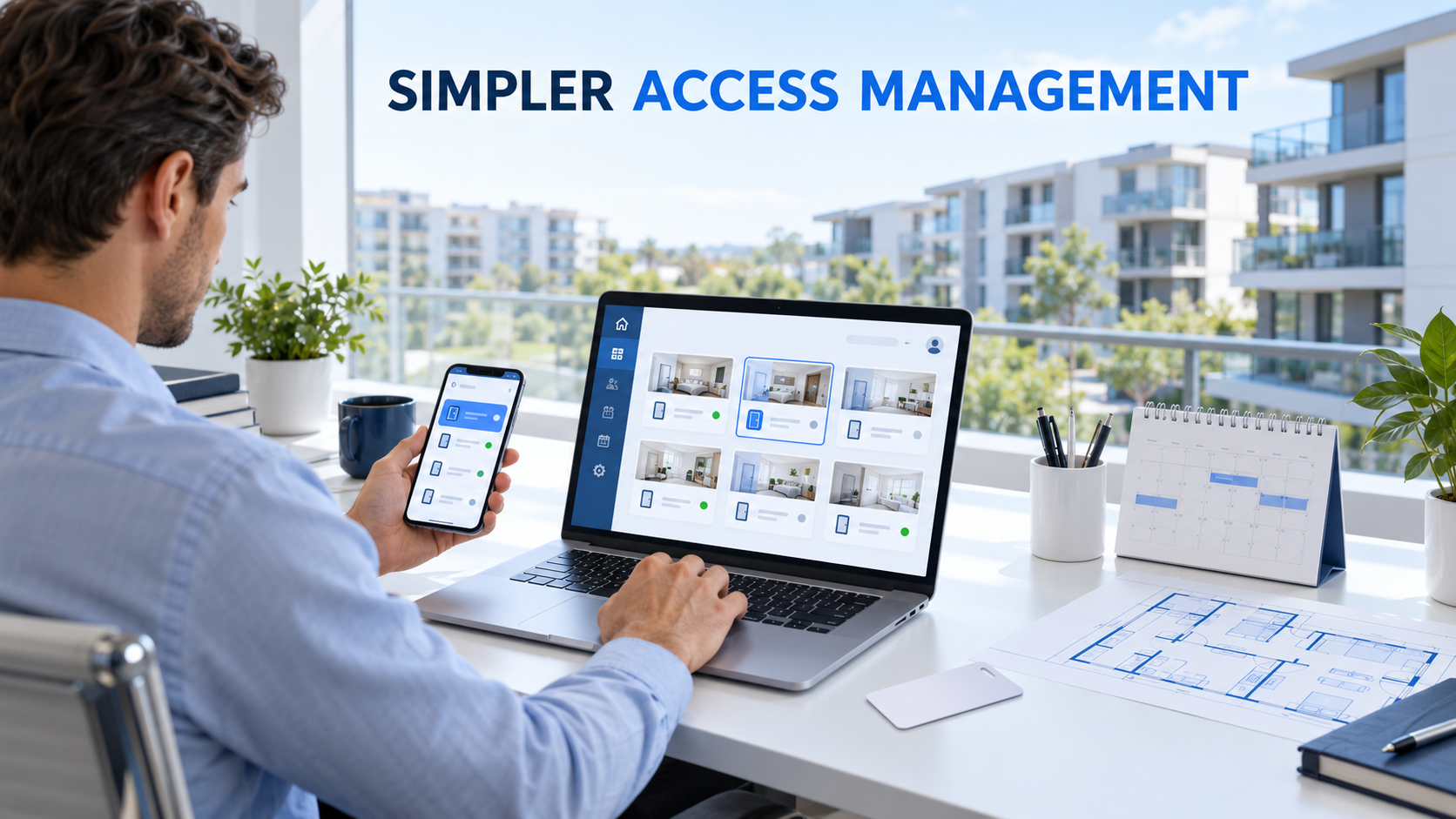
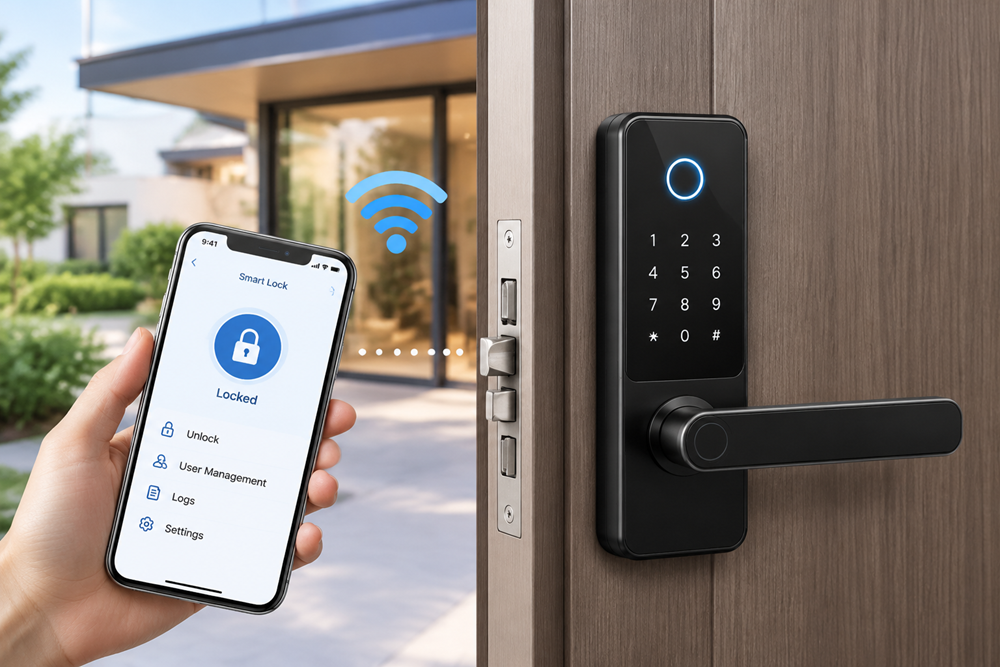
Illustrative management scene; the screen is a concept, not a TTLock or TTHotel interface screenshot.
TTLock: Evaluate It for Lock and Credential Administration
TTLock is a practical starting point when the main requirement is administering compatible locks and their users. Its documented tools include electronic credentials and, in the web interface, lock groups and credential issuance.
For an apartment portfolio, assess how easily staff can find the right unit, issue access, and handle a resident's support request. Check the available administrator permissions and separate account ownership from routine staff use.
If remote intervention is essential, include the appropriate gateway or supported network connection in the design. Test coverage with doors closed and the building operating normally. A successful demonstration beside a lock is not a building-wide connectivity survey.
TTHotel: Evaluate It for Room and Stay Management
TTHotel adds a hospitality-oriented structure. Its official documentation describes check-in and checkout, room status, staff roles, records, and management of supported devices. Its setup workflow includes buildings, floors, rooms, and guest access.
This makes it relevant to serviced apartments and managed accommodation where teams work around stays and room readiness. It should be assessed against those processes rather than assumed to replace every function of an existing property management system.
| Property workflow | Platform to evaluate first | Essential validation |
|---|---|---|
| Resident access and occasional contractor visits | TTLock | Credential lifecycle and administrator permissions |
| Frequent guest arrivals, departures, and extensions | TTHotel | Complete check-in, renewal, and checkout workflow |
| Card-based reception | Compatible TTHotel configuration | Encoder, cards, lock firmware, and lost-card procedure |
| Remote support across properties | Either, with suitable connectivity | Coverage, synchronization, and failure handling |
These are workflow recommendations, not a compatibility guarantee. TTLock App support alone does not establish TTHotel support. Confirm the supplied hardware, firmware, accessories, and software version as one system.
6. Pilot the Workflow Before a Building-Wide Rollout
Choose a small set of representative doors and run the system through real management tasks:
- Arrival: Create a new occupant's access and verify the intended start and end times.
- Daily use: Test each enabled access method with typical users.
- Staff access: Confirm that staff can reach assigned doors and cannot exceed their permissions.
- Change of plans: Extend a stay or alter a visit window, then verify the change at the lock.
- Departure: End access and test the previous credentials, including early checkout.
- Failure recovery: Test loss of connectivity, a lost card, low battery, and the approved emergency entry method.
Record credential setup time, support requests, failed access attempts, service visits, and unresolved synchronization issues. These observations provide a useful basis for comparing solutions without relying on unsupported rankings.
Frequently Asked Questions
What are the best smart locks for high-turnover apartments?
The strongest candidates combine suitable hardware with an access workflow your team can reliably repeat. Prioritize credential handover, verified cancellation, manageable maintenance, and responsive supplier support.
Can TTLock work without a gateway?
Compatible Bluetooth locks can support local operation, and TTLock documents generating certain passcode types while a lock is offline. Remote control and several remote management functions require appropriate connectivity. Confirm the exact function you need.
Can an RFID lock also work with TTHotel?
Some compatible configurations can, but RFID capability by itself is insufficient. Verify the lock solution, firmware, card system, and encoder together before purchase.
How long will the batteries last?
That depends on the specific lock and usage conditions. Request model-specific evidence and establish a replacement routine from your pilot rather than applying one general battery-life estimate to every door.
Choose the System Around Your Property
The best smart lock for a managed property is the one that fits the door and supports the team's daily work. Start with the occupancy model, compare the D280 and slim RFID options against verified specifications, and test the full access lifecycle before expanding.
Planning an apartment or serviced-accommodation project? Contact Secukey with your door specifications, unit count, preferred access methods, and management workflow. Ask for a compatible lock-and-platform configuration and a pilot proposal.