

2026-10-20
Top Best WiFi Smart Locks: A Buyer's Guide for Connectivity and Control
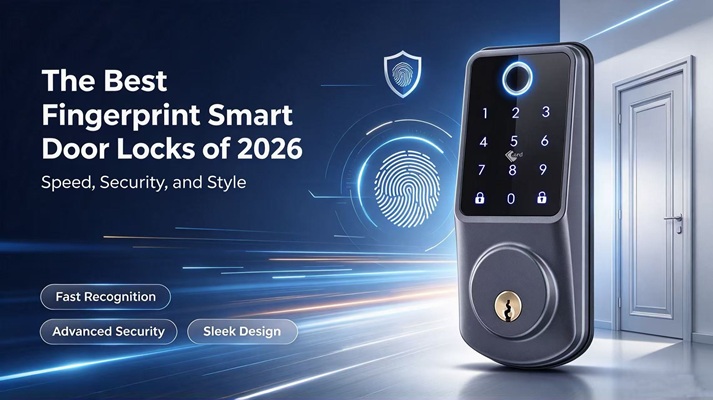
Choosing the right WiFi smart lock can make access control more convenient, secure, and flexible. With features such as remote unlocking, real-time notifications, and smartphone management, WiFi smart locks are becoming a popular choice for modern homes and businesses.
But how do you choose the right model? This guide explores WiFi connectivity, battery consumption, keypad designs, and Secukey's WiFi-enabled smart lock solutions to help you make an informed decision.
But how do you choose the right model? This guide explores WiFi connectivity, battery consumption, keypad designs, and Secukey's WiFi-enabled smart lock solutions to help you make an informed decision.
1. Why WiFi Is the Most Popular Choice
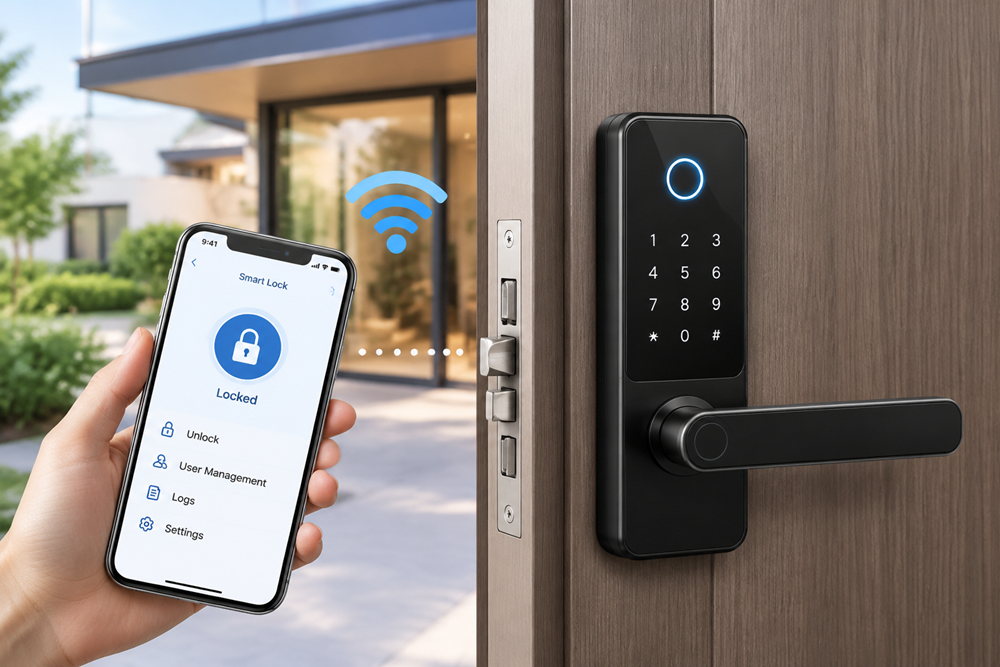
WiFi smart locks are popular because they offer convenient remote access and easy integration with connected home systems. Unlike traditional locks, they allow users to manage door access through a compatible smartphone app, depending on the lock's features and network configuration.
With a WiFi-enabled smart lock, users may be able to lock or unlock doors remotely, receive access notifications, and manage entry permissions without being physically present. These features are especially useful for homeowners, property managers, offices, and rental properties.
For buyers searching for the best smart lock wifi, connectivity and ease of use are key considerations. The best smart lock with wifi should offer reliable app control, practical access management features, and compatibility with the user's existing network and smart home setup.
With a WiFi-enabled smart lock, users may be able to lock or unlock doors remotely, receive access notifications, and manage entry permissions without being physically present. These features are especially useful for homeowners, property managers, offices, and rental properties.
For buyers searching for the best smart lock wifi, connectivity and ease of use are key considerations. The best smart lock with wifi should offer reliable app control, practical access management features, and compatibility with the user's existing network and smart home setup.
2. Comparing WiFi Range and Battery Consumption
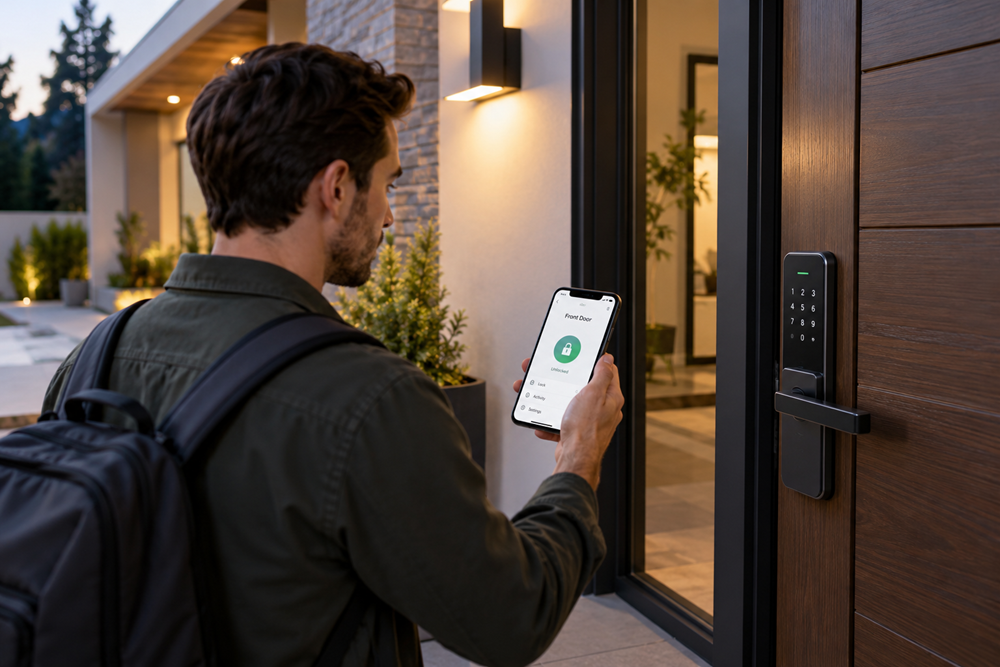
WiFi range and battery life are two important factors when choosing a smart lock. A stable connection helps ensure responsive remote access, while efficient power management reduces the need for frequent battery replacement.
WiFi Range
The effective range depends on the lock's wireless hardware, router placement, walls, and other sources of interference. Before installation, check whether the WiFi signal is strong enough at the door. If necessary, reposition the router or consider a compatible WiFi extender.
Battery Consumption
WiFi connectivity can consume more power than some lower-energy wireless technologies, particularly when a device maintains a connection or communicates frequently. Actual battery life varies according to usage, signal strength, battery type, and product design.
When comparing the best wifi smart door lock options, look beyond advertised battery life. Check the manufacturer's specifications, low-battery alerts, emergency access options, and whether the lock supports an external power source or backup method.
WiFi Range
The effective range depends on the lock's wireless hardware, router placement, walls, and other sources of interference. Before installation, check whether the WiFi signal is strong enough at the door. If necessary, reposition the router or consider a compatible WiFi extender.
Battery Consumption
WiFi connectivity can consume more power than some lower-energy wireless technologies, particularly when a device maintains a connection or communicates frequently. Actual battery life varies according to usage, signal strength, battery type, and product design.
When comparing the best wifi smart door lock options, look beyond advertised battery life. Check the manufacturer's specifications, low-battery alerts, emergency access options, and whether the lock supports an external power source or backup method.
3. Keypad vs. No-Keypad Designs
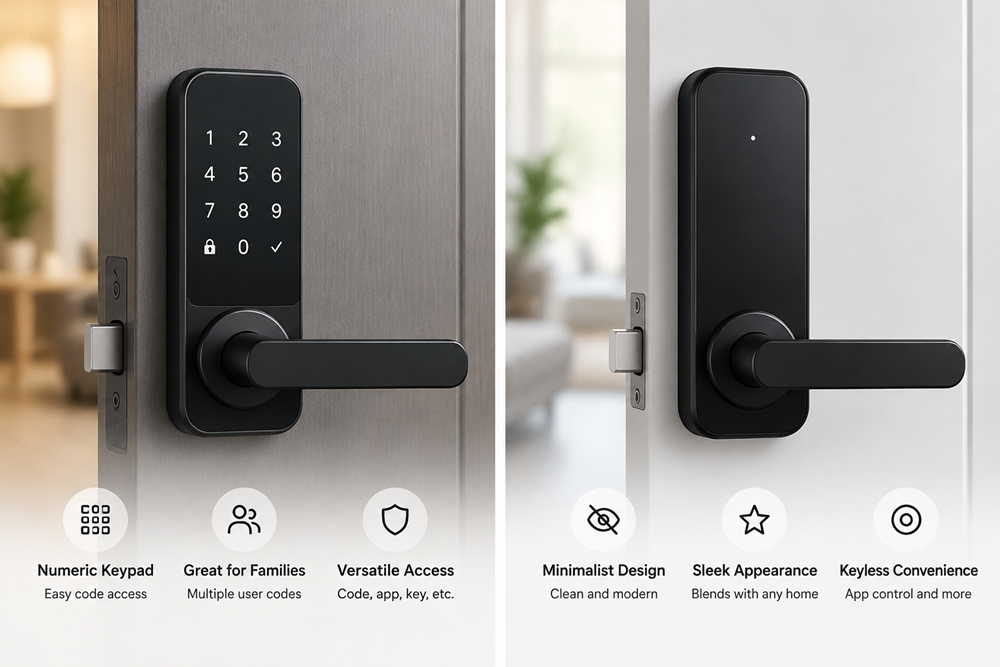
WiFi smart locks are available in different designs to suit different access preferences. Two common options are keypad models and no-keypad models.
Smart Locks with Keypads
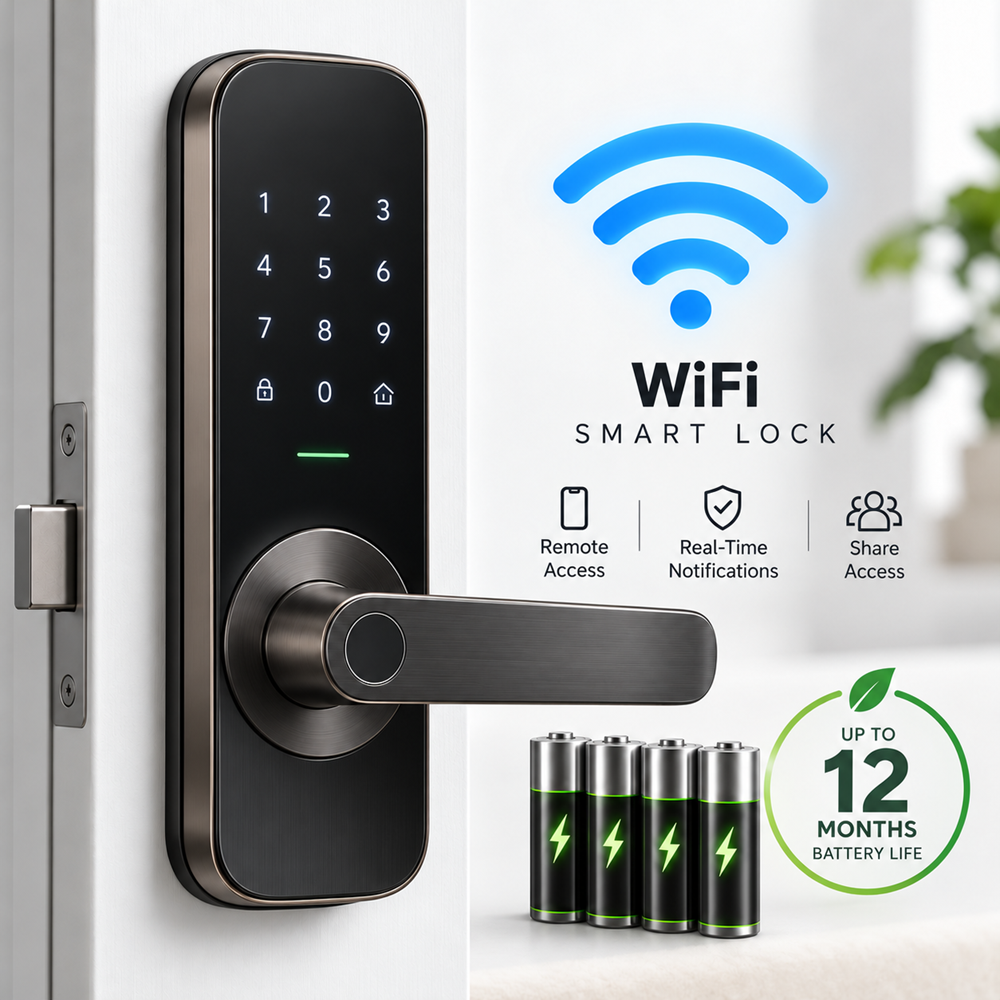
Keypad smart locks allow users to enter a PIN code without carrying a physical key. Depending on the model, they may also support app control, RFID credentials, fingerprints, or mechanical keys.
A best wifi smart lock with keypad is worth considering for families, offices, and rental properties where several people need convenient access. PIN codes can simplify entry for guests and authorized users, while remote management may make it easier to control access.
Smart Locks without Keypads
No-keypad designs usually feature a more minimalist appearance. Depending on the model, users may unlock the door through a smartphone, fingerprint, RFID card, or key fob.
These locks can be suitable for users who prefer a clean design and do not need PIN-code entry. When comparing both options, consider who will use the lock, which unlocking methods are essential, and what happens if a phone battery runs out or the network becomes unavailable.
4. Secukey's WiFi-Enabled Lineup
Secukey offers smart locking and access control solutions designed for different security and convenience requirements. When exploring its WiFi-enabled lineup, buyers should compare each model's supported connectivity, unlocking methods, installation requirements, and access management functions.
For residential applications, a smart lock with remote access and convenient entry methods can help simplify everyday use. For offices and other shared spaces, features such as multiple user credentials and access management may be more important.
When evaluating Secukey products, confirm whether the specific model supports direct WiFi connectivity or requires a compatible gateway. Also check the available unlocking methods, battery specifications, door compatibility, and backup access options before making a purchase.
Whether you're researching the best wifi smart lock for your home or comparing options for a business, choosing a product that matches your actual access needs is more important than selecting one based on connectivity alone.
For residential applications, a smart lock with remote access and convenient entry methods can help simplify everyday use. For offices and other shared spaces, features such as multiple user credentials and access management may be more important.
When evaluating Secukey products, confirm whether the specific model supports direct WiFi connectivity or requires a compatible gateway. Also check the available unlocking methods, battery specifications, door compatibility, and backup access options before making a purchase.
Whether you're researching the best wifi smart lock for your home or comparing options for a business, choosing a product that matches your actual access needs is more important than selecting one based on connectivity alone.