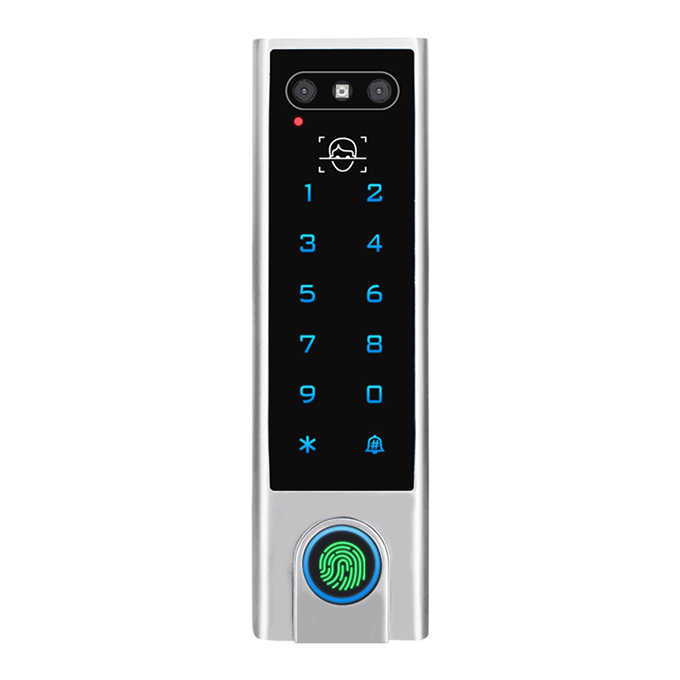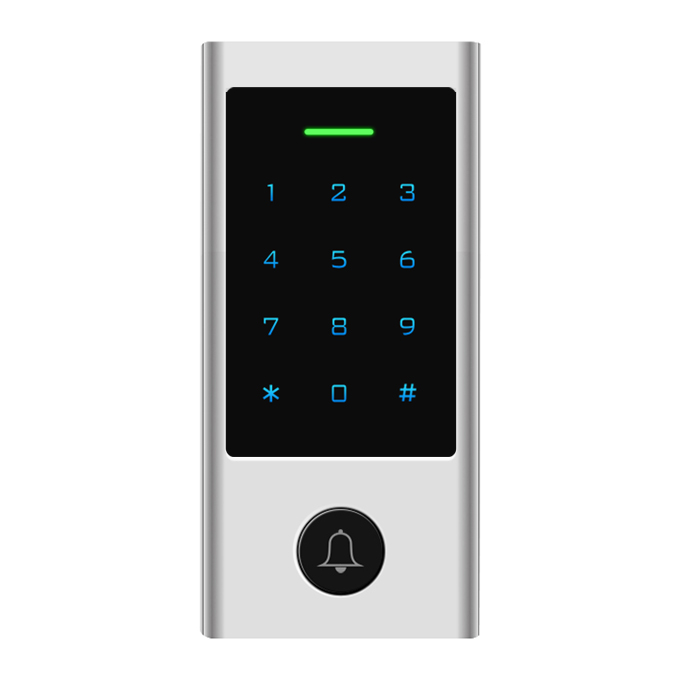


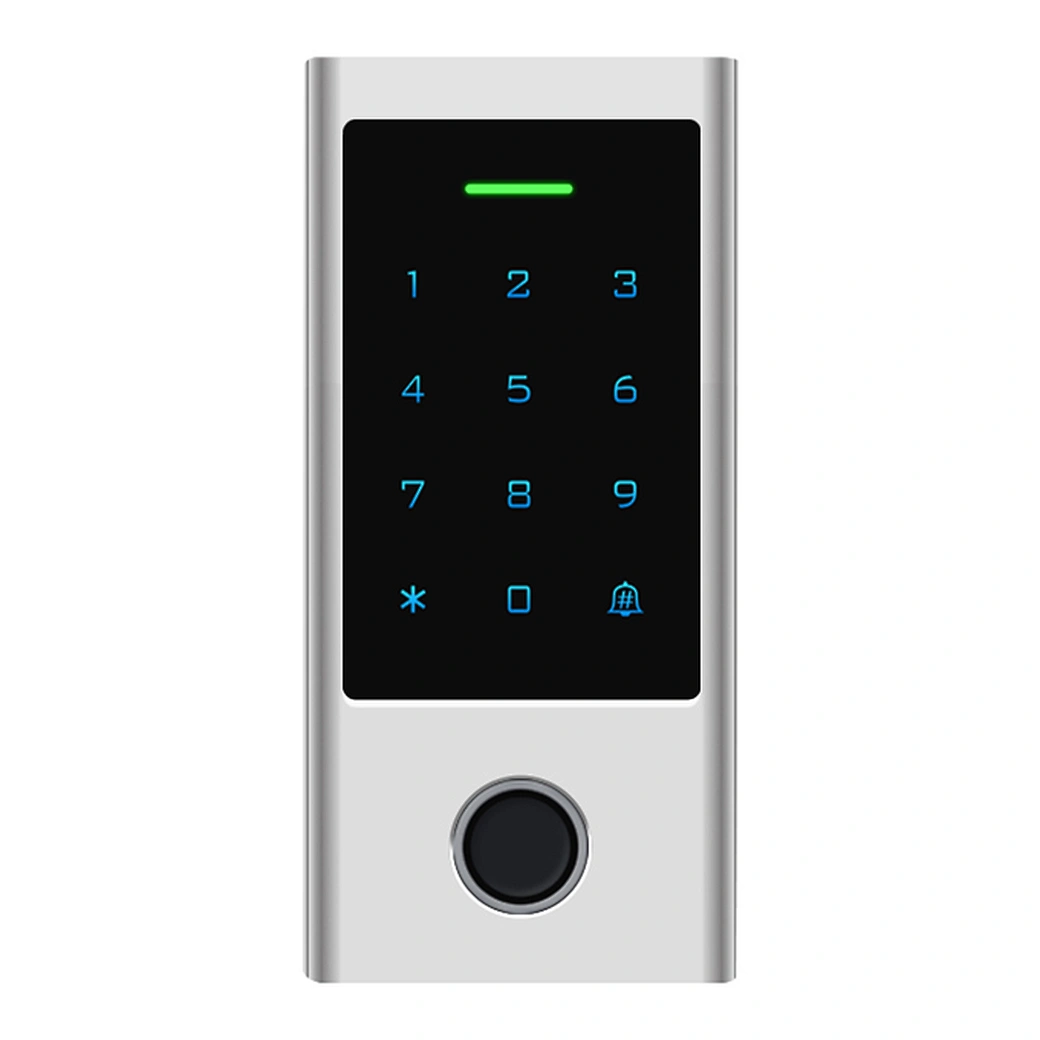
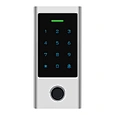

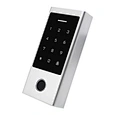

HF1-WIFI
WiFi Door Access Control System with Fingerprint & Touch Keypad
Capacitive Fingerprint Sensor,touch keypad
Waterproof, conforms to IP67
Metal housing, anti-vandal
Card type: EM Card or EM+ Mifare Card optional
iOS and Android available
Add / Delete users by APP
Can set Time Restriction for users
Temporary Password (One-time Or Period Code)
Support checking Opening Record
Remotely Access
Multiple Access Modes: Smartphone, Fingerprint, Card, PIN
Doorbell Call Notice


Sales Inquiry
Description of WiFi Door Access Control System
The HF1-WIFI is a smart WiFi door access control system combining touch keypad, fingerprint, and RFID card entry in one device. Integrated with the Tuya APP, it supports easy user management, including adding or deleting users and issuing temporary access codes.
It allows up to 500 mobile users and 1000 local users (fingerprint, card, PIN), and enables remote unlocking from anywhere via smartphone for convenient and secure access control.
Features of WiFi Door Access Control System
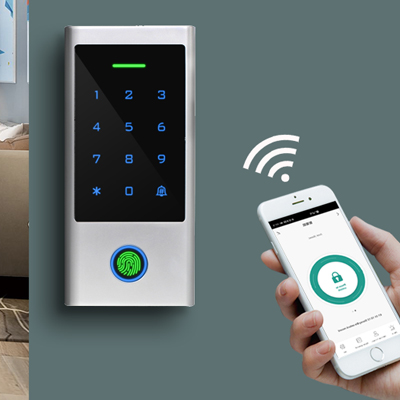
Mobile APP Remotely Unlock
 TuyaSmart
  SmartLife
User Management
Add / Delete Users in APP
Add / Delete Users in APP

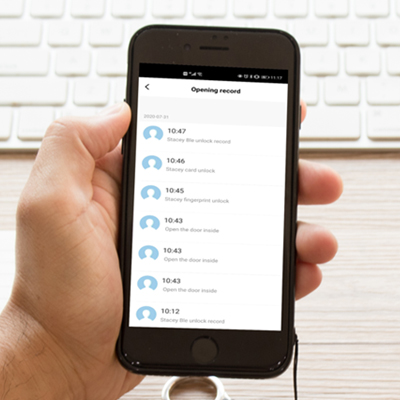
Opening History
Can be downloaded in Excel file
Can be downloaded in Excel file
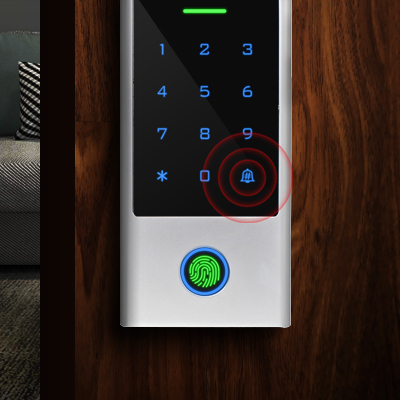
Doorbell Call Notice in APP
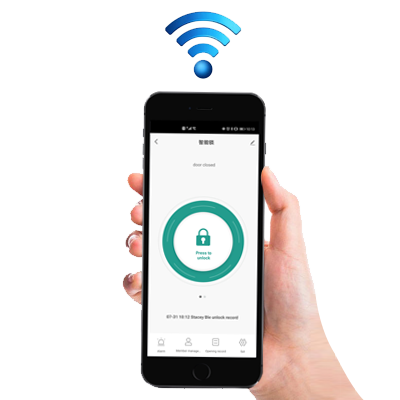
Remotely Unlock Anywhere
Temporary Code
One-time code or Period code
can be programmable

FAQs of WiFi Door Access Control System:
1. What makes the HF1-WIFI different from a basic keypad lock?
The HF1-WIFI is not just a keypad lock—it is a full smart access control system. It combines fingerprint recognition, RFID card access, PIN codes, and mobile APP control in one device. This allows administrators to manage users remotely, monitor access activity, and assign flexible permissions such as temporary or scheduled entry.
2. How does the mobile APP improve access management?
Through the Tuya Smart APP, administrators can manage the entire access system remotely. This includes adding or deleting users, issuing eKeys, setting time-based permissions, and generating temporary passwords. It eliminates the need for physical key handling and allows full control from anywhere.
3. Can different users have different access permissions?
Yes. Each user can be assigned customized access rights. You can define access schedules, restrict entry times, or assign temporary credentials. This is useful for employees, visitors, contractors, or delivery personnel who only need limited access.
4. Can the system be used outdoors in harsh weather?
Yes. It is designed with waterproof protection and meets IP66 standards. This ensures stable performance in rain, dust, and varying outdoor temperatures, making it suitable for gates, building entrances, and exterior installations.