

D2-F
Tuya WiFi & TTLOCK Smart Lock - 2 App Options
Choose from two app ecosystems: Tuya WiFi version or TTLOCK Bluetooth version
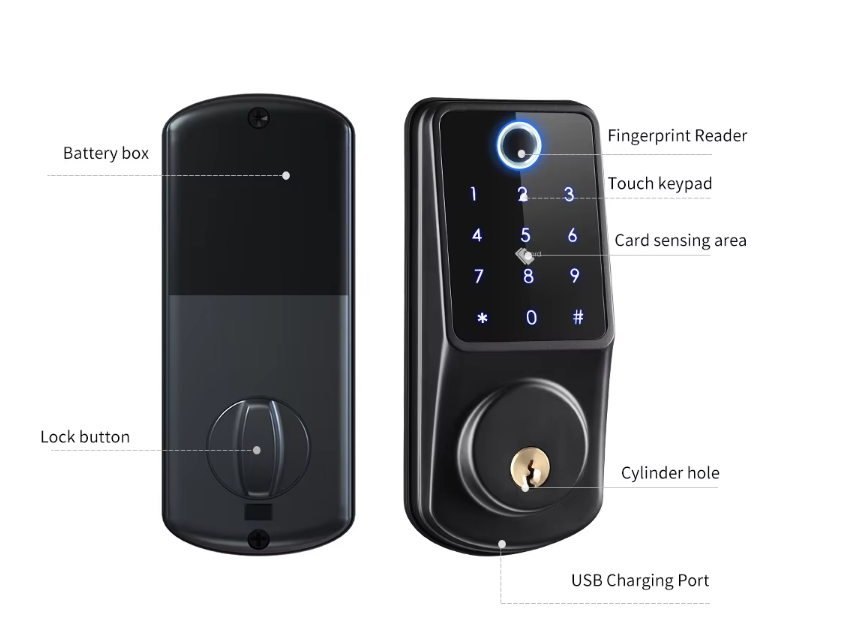
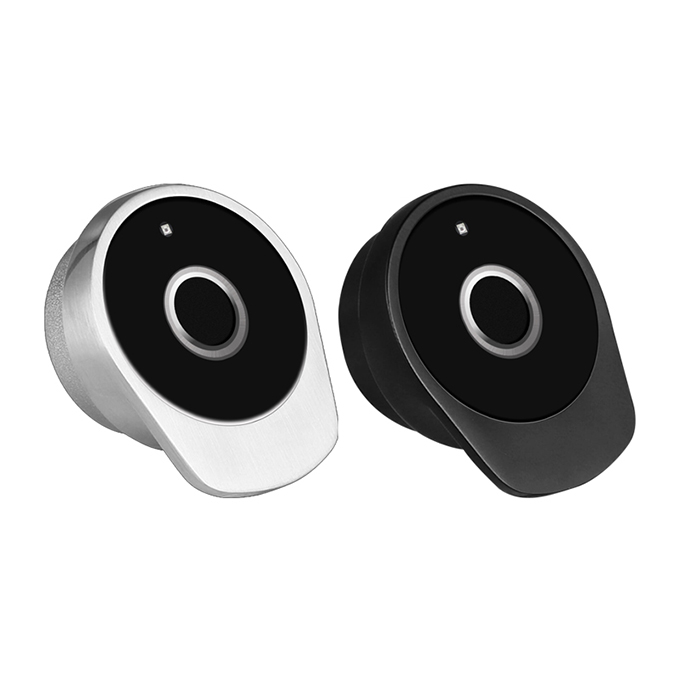
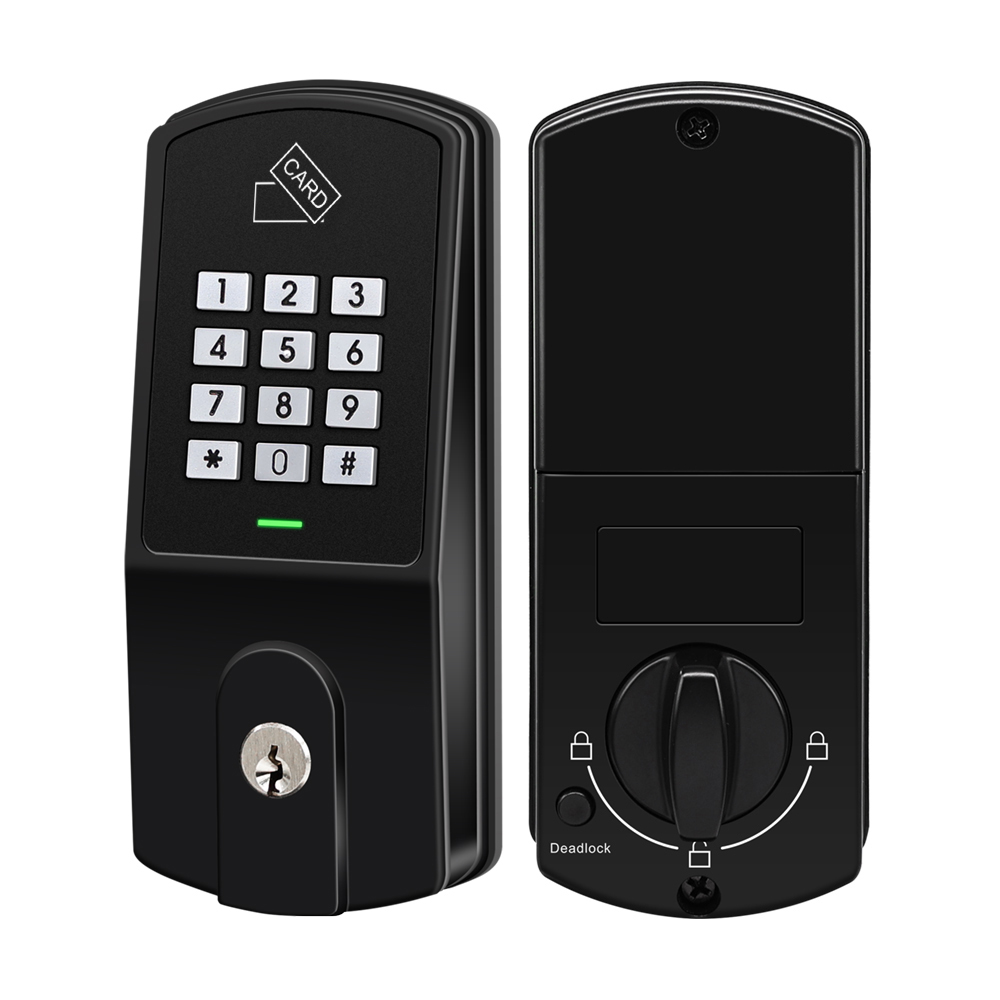
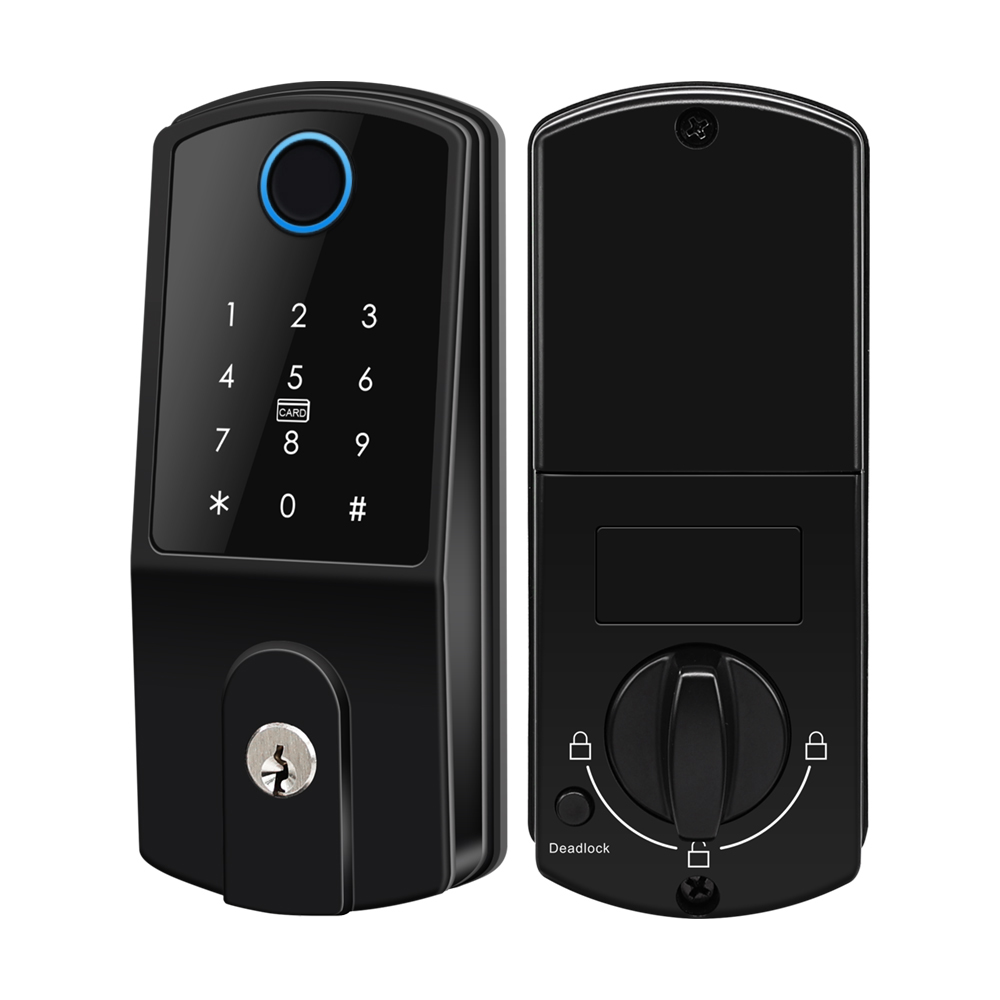
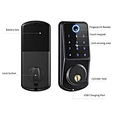
Multiple access methods: Fingerprint, IC Card, Passcode, Key, and App
Equipped with physical dead‑lock button for enhanced security.
Powered by 4 pieces of AA alkaline batteries.
Applicable door thickness ranges from 35‑55 mm.
Physical dead‑lock button for enhanced indoor security.
Crafted with aluminum alloy and acrylic for durability and a modern look.
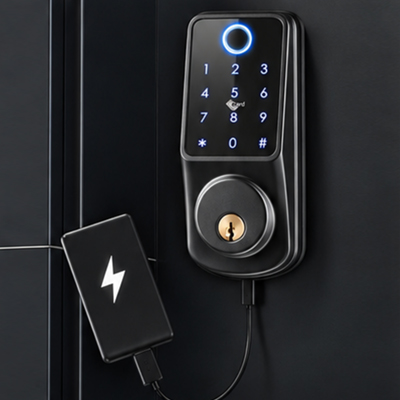
Includes USB emergency charging port and 2 mechanical keys for dead-battery access.
Enter random digits before/after your real PIN to prevent shoulder surfing.


Sales Inquiry
What is the D2-F Fingerprint Deadbolt Lock?
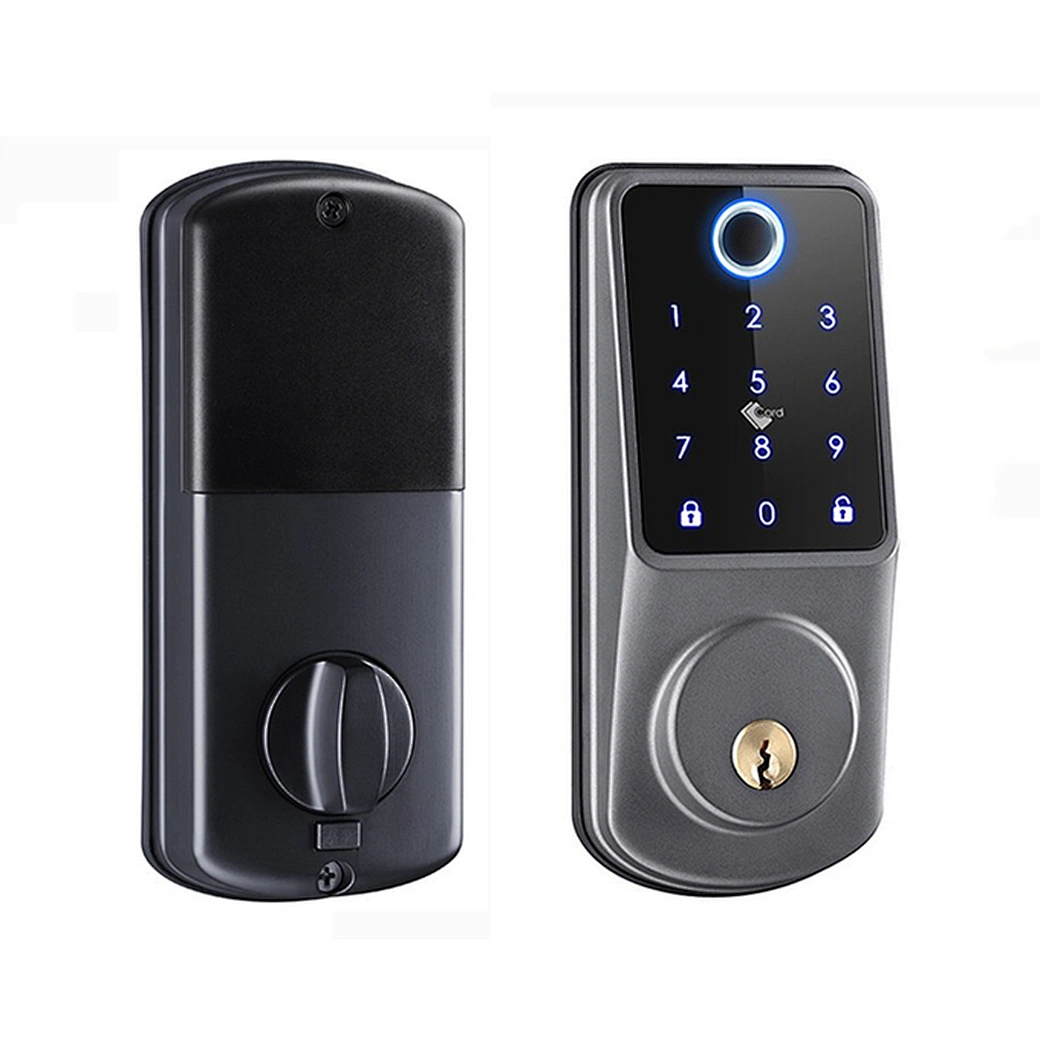
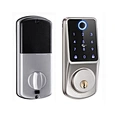
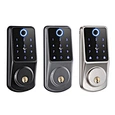
D2-F smart lock comes in Tuya WiFi and TTLOCK Bluetooth versions. Same metal housing, USB emergency power, IC card, Fingerprint, PIN and mechanical key.
What are the key advantages of the D2-F smart deadbolt?
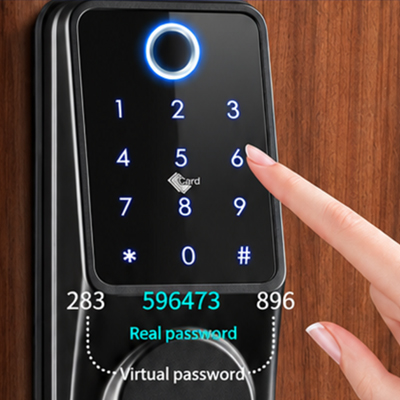
Entering a virtual password to prevent shoulder surfing on the smart lock
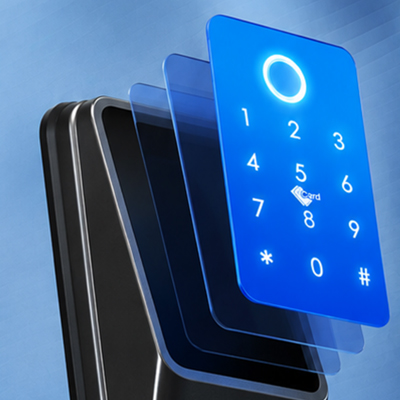
Durable high-hardness acrylic front panel on smart lock
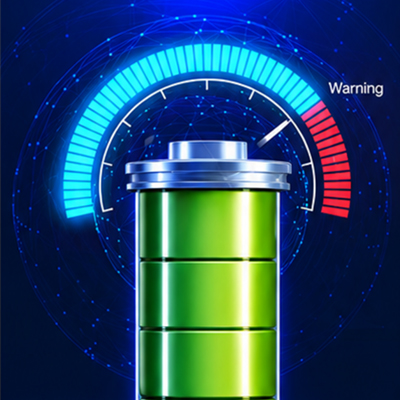
Smart lock low battery alarm notification
Emergency power backup via USB port on the smart door lock
FAQ About the D2-F Fingerprint Deadbolt Lock
What is the main difference between the Tuya and TTLOCK versions?
The Tuya version (D2-F) has a built-in WiFi module (no gateway needed). The TTLOCK version (D2-T) uses Bluetooth and focuses on eKey sharing, but it requires a separate gateway for remote access.
Do both versions use the same physical hardware?
Yes. Both versions share the same zinc alloy housing, deadbolt lock body, and USB emergency power port. They also use the same 4 AA batteries and fit the same door thickness (35-55mm). You can even use the same installation drill holes.
How do I perform a factory reset on these locks?
Both versions support factory reset. For the Tuya version, press and hold the reset button for 5 seconds until you hear a beep. For the TTLOCK version, press and hold the reset button for 2 seconds until you hear two beeps.