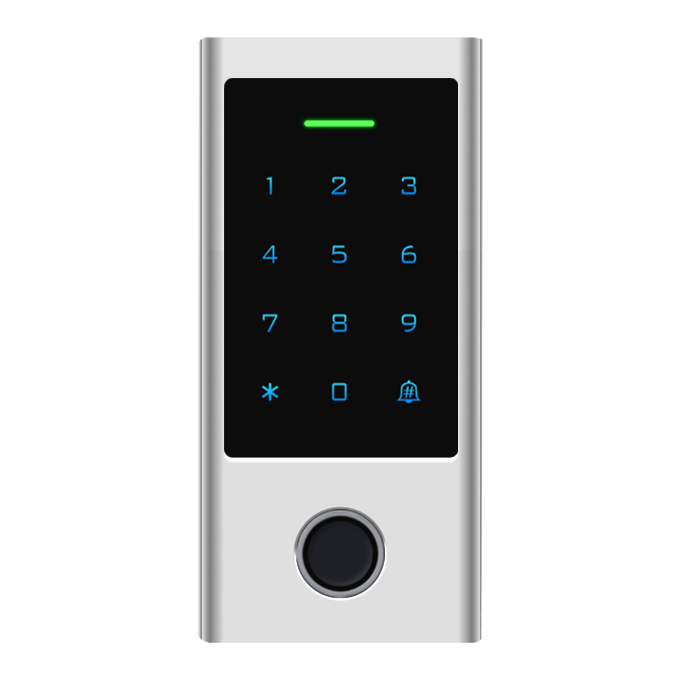


Facial & Fingerprint Access


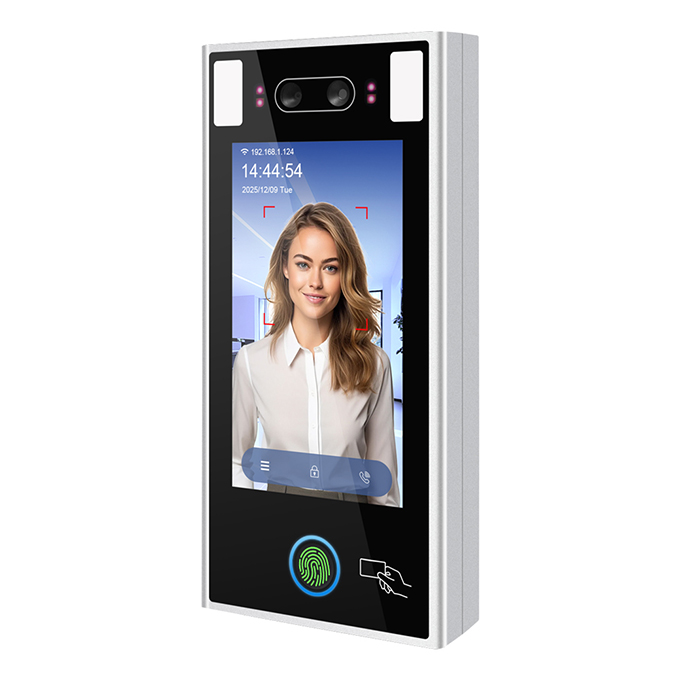
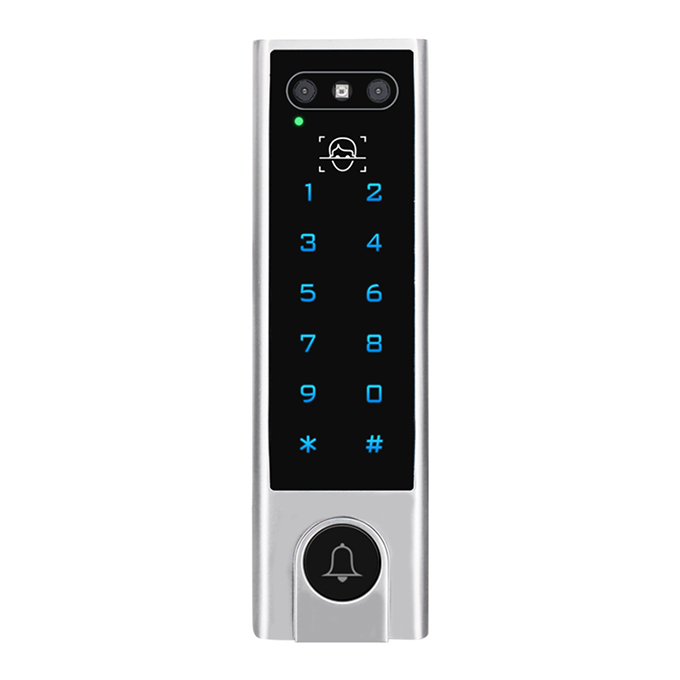
Description of Face Recognition Biometric Access Control
Features of Face Recognition Biometric Access Control
FAQs of Face Recognition Biometric Access Control
1. What unlocking methods does this access control device support?
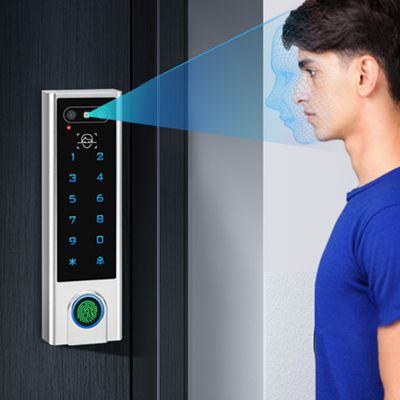
>Facial Recognition – contactless biometric identification
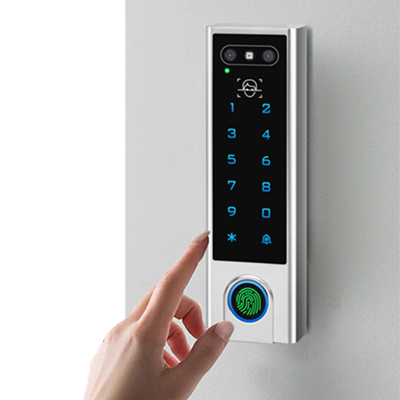
>Fingerprint – capacitive biometric sensor with <1 second recognition time
>Passcode (PIN) – 4–6 digit numeric code entry
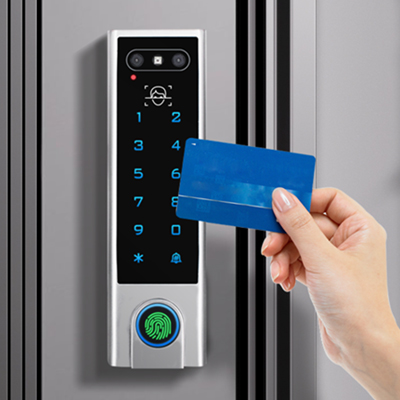
>RFID Card – supports both 125kHz (EM/HID compatible) and 13.56MHz (Mifare, IC) cards
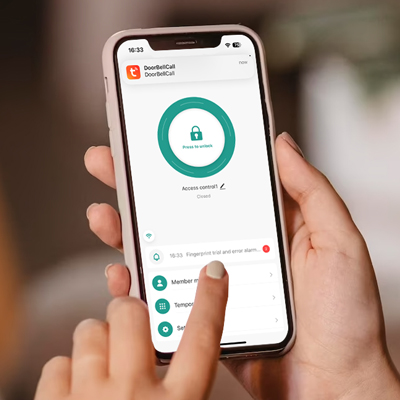
>Tuya Smart App – remote unlock via smartphone over Wi-Fi/Bluetooth
2. What card types are compatible with this reader?
The device supports dual-frequency card reading across multiple technologies :
| Frequency | Compatible Card Types |
|---|---|
| 125 kHz | EM compatible (EM4100, EM4102), HID Prox compatible |
| 13.56 MHz | Mifare Classic (4-byte & 7-byte UID), Mifare Plus, Mifare DESFire, Mifare Pro, Mifare Ultralight, Mifare 4K, NFC tags (ISO14443A), CPU cards |
3. How do I set up and use the Tuya Smart App for remote access?
>Download the Tuya Smart or Smart Life app from your app store
>Create an account and log in
>Power on the device and ensure it is in pairing mode
>Tap "Add Device" → the app should discover the device automatically via Bluetooth/Wi-Fi
>Follow on-screen instructions to complete pairing and connect to your 2.4GHz Wi-Fi network
4. What does the IP66 waterproof rating mean? Can I install it outdoors?
Yes, IP66 means the device is fully protected against dust and powerful water jets :
>Dust-tight (6): Completely sealed against dust ingress
>Water-resistant (6): Withstands heavy rain, hose spray, and outdoor weather conditions
>This makes the device suitable for:
Outdoor building entrances and gates
Industrial facilities and warehouses
Swimming pools, gyms, and coastal installations
Cold storage or food processing areas (operating temperature: -20°C to +60°C / -4°F to +140°F)
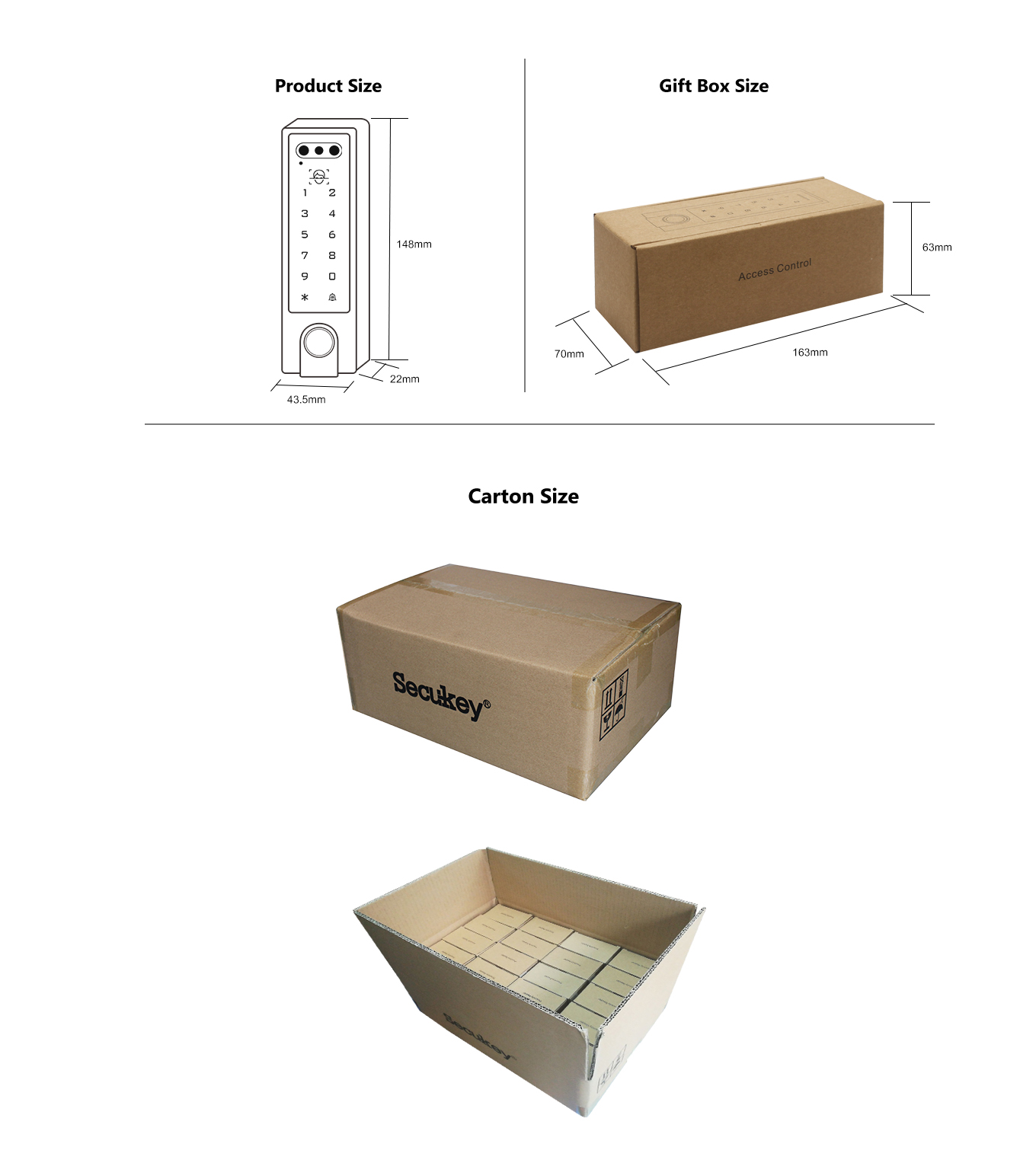
 Package of Face Recognition Biometric Access Control