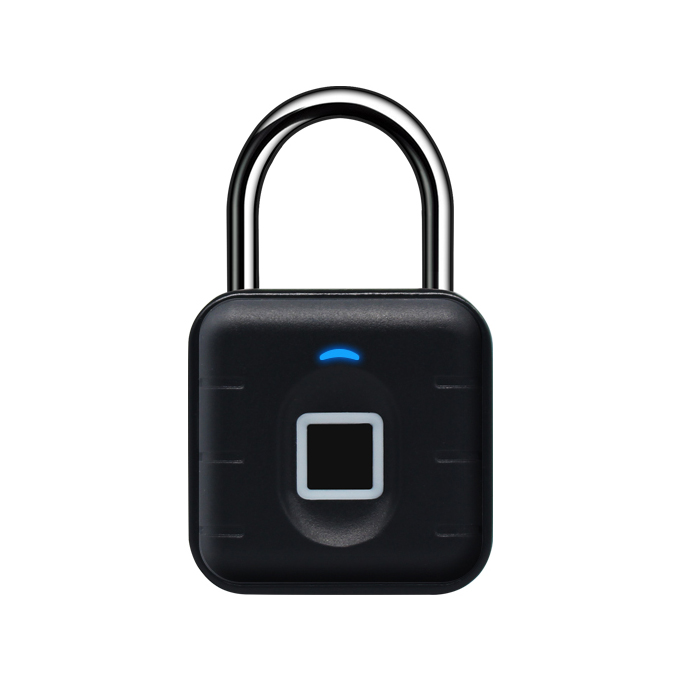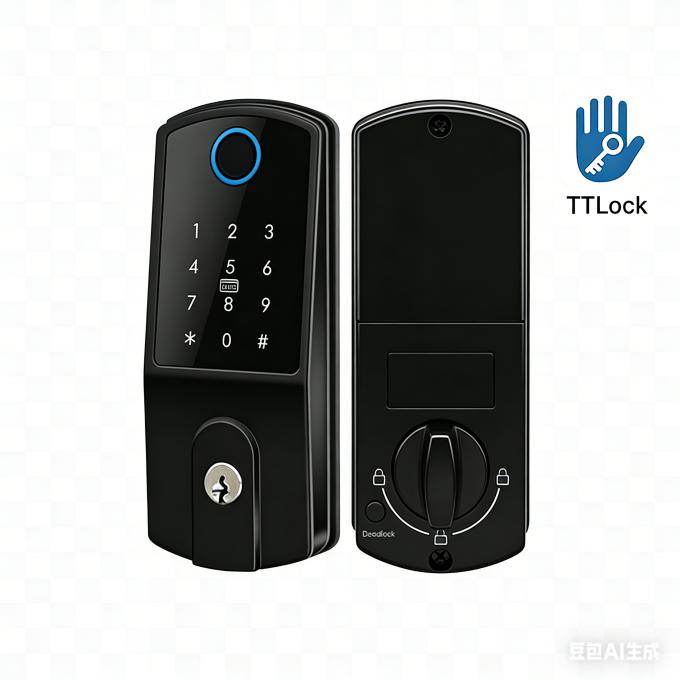
Electrical cabinet safety locker
D14-A

Wireless Cabinet Lock

Stainless steel material
Card Type:125KHz EM Card/13.56Mhz Mifare Card
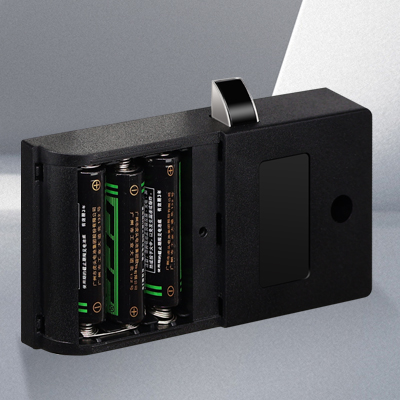
3 x AA alkaline batteries powered
Battery life: about 12 months
With USB port for emergency power
Wrong code or illegal card alarm
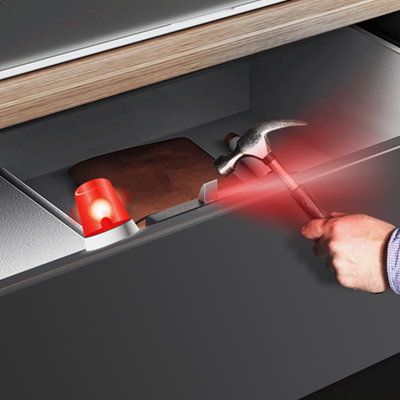
With Anti-picked alarm & Low battery alarm
Suitable for any thin or thick door
Wireless Cabinet Lock
Sales Inquiry

Description of Electrical Cabinet Safety Lock

Industrial electrical safety locks electrical cabinet lock, electronic locker electric latch system powered by AA batteries, heavy-duty cabinet latch for industrial equipment room, server cabinet, electrical control box anti-theft and safety locking scenario.

Features of Electrical Cabinet Safety Lock
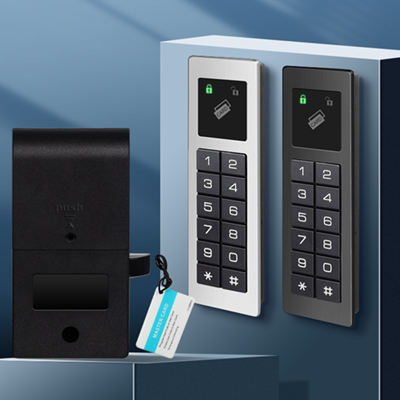
Electronic cabinet locker with latch
 
3-IN-1 Keyless Cabinet Lock
Smart Phone 
 Fingerprint
PIN
 
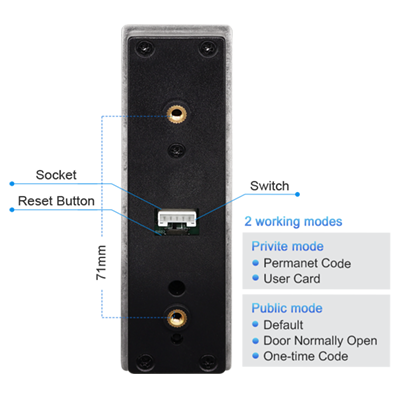
2 Working Modes : Privite Mode & Public Mode
electrical cabinet lock with 2 working modes
Batteries Wireless Electrical safety locks
Powered by 3 pcs AA batteries
Last for around 12 months
With Low Battery Alarm
With Anti-picked Alarm 
metal alarm cabinet safety locker
                                                             

 ​FAQs of Electrical Cabinet Safety Lock


1. What is the difference between Private Mode and Public Mode?

>Private Mode: In this mode, each user must register their own passcode or card individually. The lock stores credentials for multiple users (e.g., 10–20 users), and each user can only unlock the lock using their own registered code or card. This is ideal for personal lockers, employee lockers, or long-term assigned storage .

>Public Mode: In this mode, all users share the same passcode or card. The lock typically comes with a master passcode that everyone uses to open it. Once unlocked, any user can re-lock the lock by simply closing the door. This is ideal for shared storage areas, gym day-use lockers, or temporary access where individual tracking is not required .

2. How do I switch between Private Mode and Public Mode?
Mode switching is typically done by using a master passcode or a master card followed by a specific button sequence (usually the reset button or a combination of digits).

The exact method varies by model, but common steps include:

>Enter the master passcode (often set during initial setup, such as 000000 or 123456)

>Press the reset button (usually located inside the battery compartment) within a few seconds

>The lock will beep and flash to indicate the mode has been changed

>You may need to clear all existing users when switching modes

If you are unsure, please refer to the user manual for your specific model .
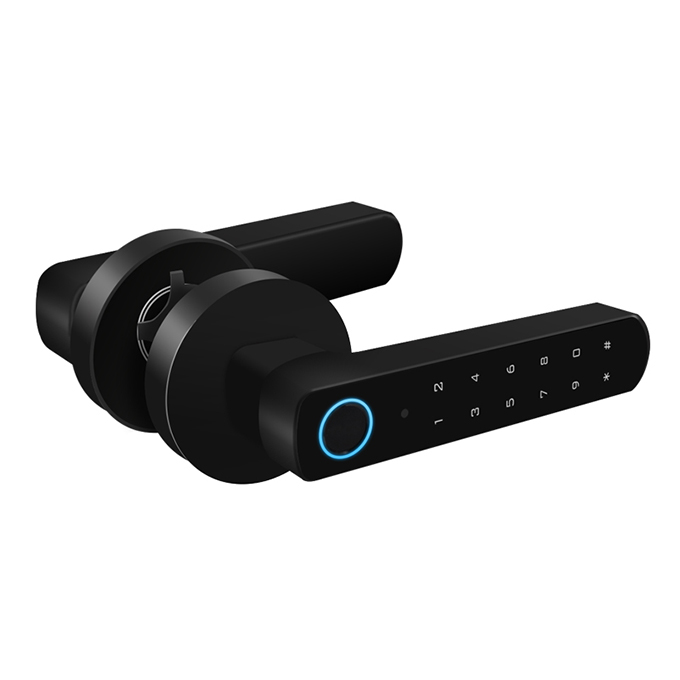
3. How do I unlock the cabinet if the battery is dead?
If the battery is fully drained, most models feature a Micro USB or Type-C emergency charging port on the front panel. Simply connect a power bank (5V USB) to provide temporary power, then use your passcode or card to unlock as usual. Some models also include a mechanical backup key for emergency access. It is recommended to replace the batteries promptly when you receive a low-battery warning (typically a red flash or beeping sound) .