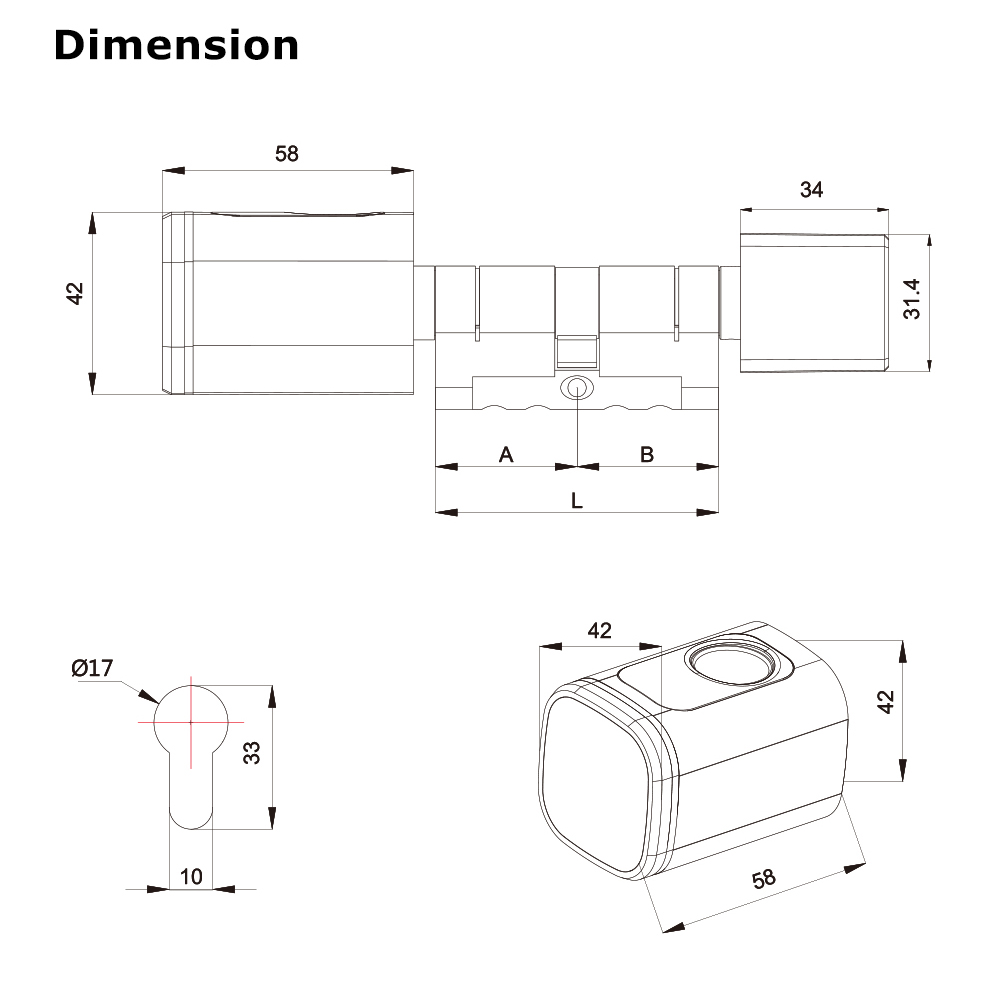


D1
Wireless Smart Cylinder
Aluminum alloy material, pearl chrome treatment
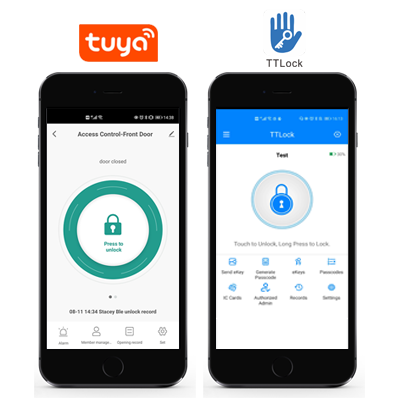
2 versions available: with Tuya Bluetooth OR with TT Lock Bluetooth
Work with fingerprint and 13.56MHz Mifare card
User Capacity: 100 fingerprint, 100 card
Battery type: CR123A battery
With USB port for emergency power
With Backup mechanical key for emergency override
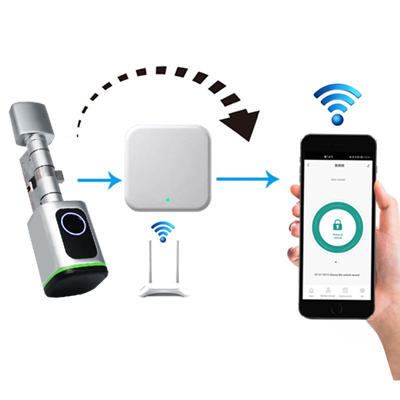
Can work with gateway for remote open


Sales Inquiry
Description of Smart Euro Cylinder Lock
The device is a wireless fingerprint & card cylinder, which supports 100 fingerprint users and 100 card users.
Besides, there are 2 versions :Tuya Bluetooth or TTLock Bluetooth optional.
Besides, there are 2 versions :Tuya Bluetooth or TTLock Bluetooth optional.
Features of Smart Euro Cylinder Lock
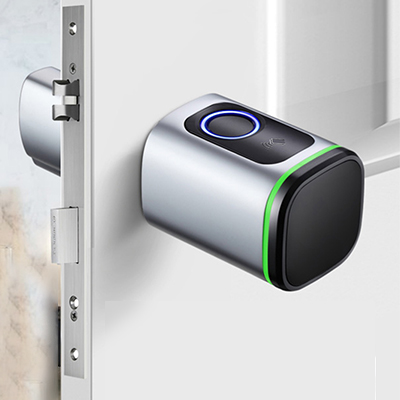
3-IN-1 Keyless Entry
 Smart Phone
  Fingerprint
 PIN
PINWith Backup Mechanical Key for Emergency Override
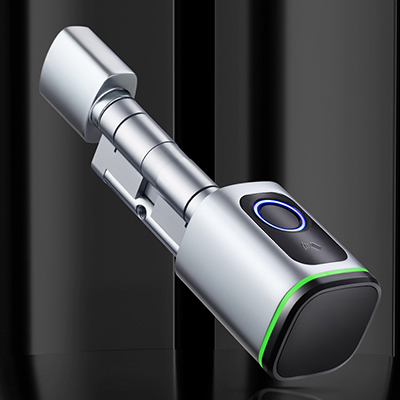
Unlock with the Tap of the Button
Support Gateway, can Open the Lock Remotely
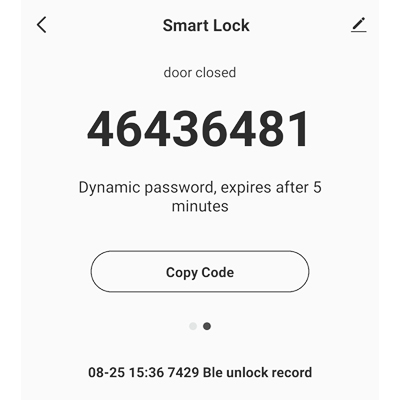
Support Dynamic Password (Valid for 5 Minutes)
Support Viewing Openning Records
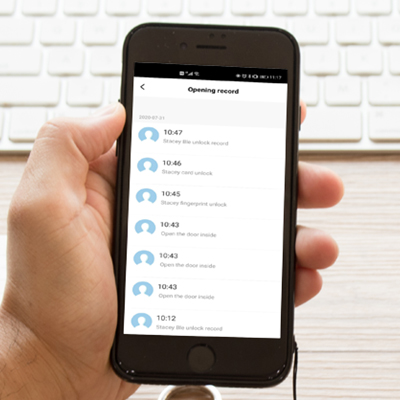
FAQs of Smart Euro Cylinder Lock
1. How do I unlock the door if the battery is completely dead?
If the battery is fully drained, use the emergency backup method. First, connect a power bank (5V USB) to the Micro USB or Type-C port on the lock's exterior. This will provide temporary power to authenticate your fingerprint or card. If the lock still does not respond, use the mechanical backup key (usually supplied with the cylinder) to unlock the door mechanically.
2. Can I use the keycard or fingerprint without setting up the app first?
No. For security reasons, you must first configure the lock using the Tuya Smart or TTLock app via Bluetooth. The app activates the administrator permissions. Until an administrator is registered in the app, the lock often remains in"factory mode,"which may allow any card or fingerprint to open it. You cannot assign specific cards to users without the app.
3. How do I share access with family or guests if they don't have the app?
You have two options within the app:
>Temporary/Time-limited Codes/Cards: You can issue IC cards or set up permanent or time-scheduled passcodes for family members.
>eKeys: Using the TTLock or Tuya app, you can send an"eKey"(digital key) to a guest's smartphone via Bluetooth. You can set this eKey to be valid only during specific dates and times.