

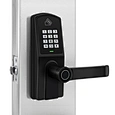
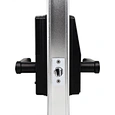
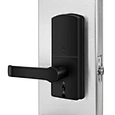

Semi-automatic Fingerprint Handle Smart Lock with Tuya Bluetooth


Description of Smart Door Lock with Phone Access
Features of Smart Door Lock with Phone Access
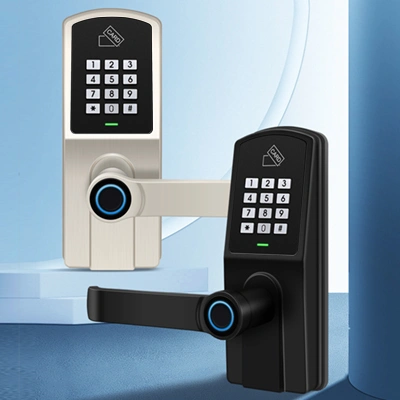
real touch sensations
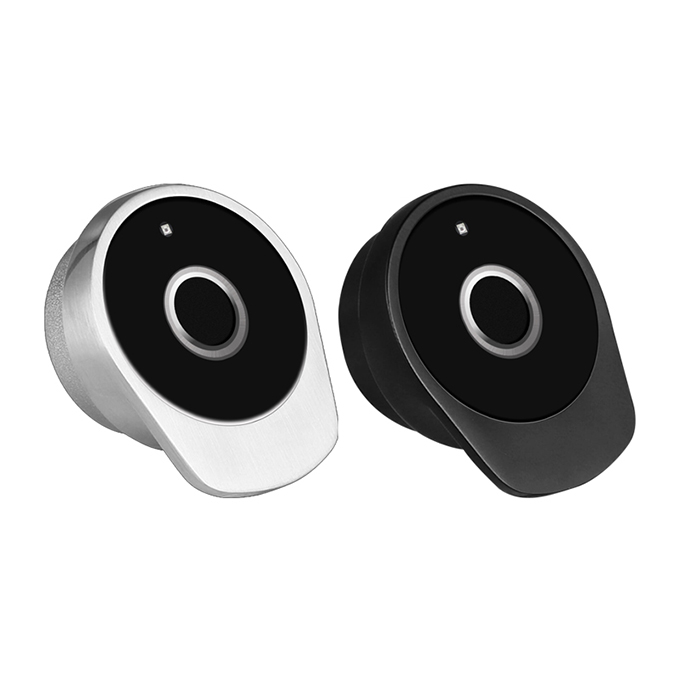
(Black Nickel/Satin Nickel)
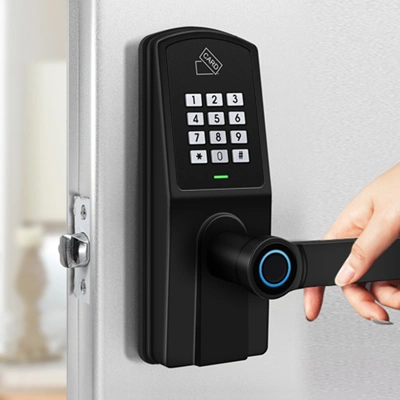
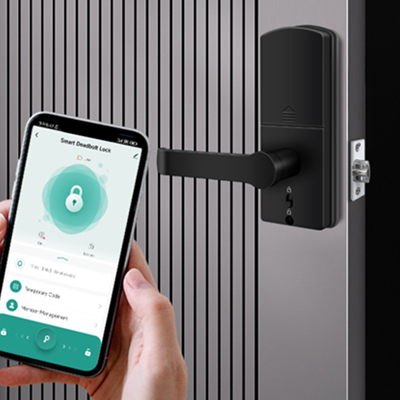
1. Tuya APP
2. Password
3. NFC/Mifare card
4. Fingerprint
5. Mechanical key
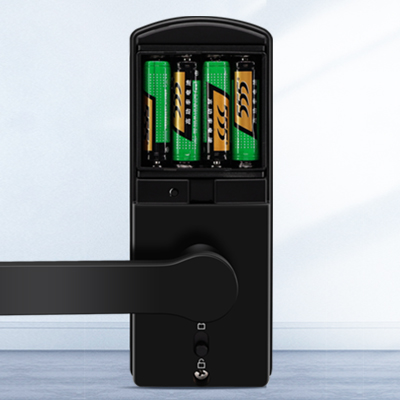
AA Batteries
Re-chargeable Li-battery
(Optional)
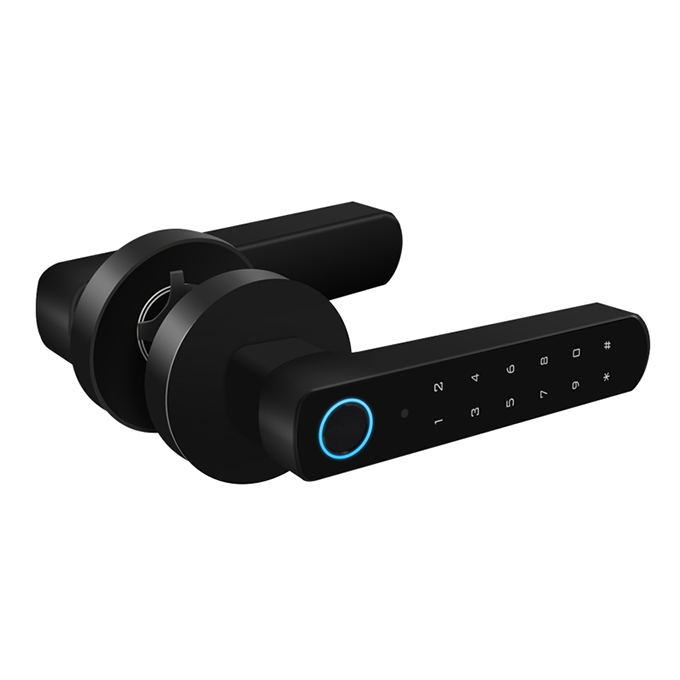
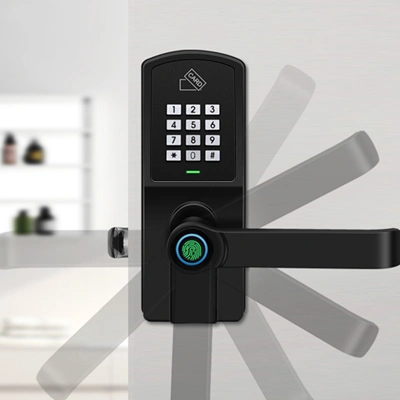
Suitable for both left-hand
and right-hand doors.
to enter the lock mode.
Unlock only by pushing
switch/Mechanical key/
Master password
FAQ of Smart Door Lock with Phone Access
1. What happens if my phone battery dies or I lose my phone? Will I be locked out?
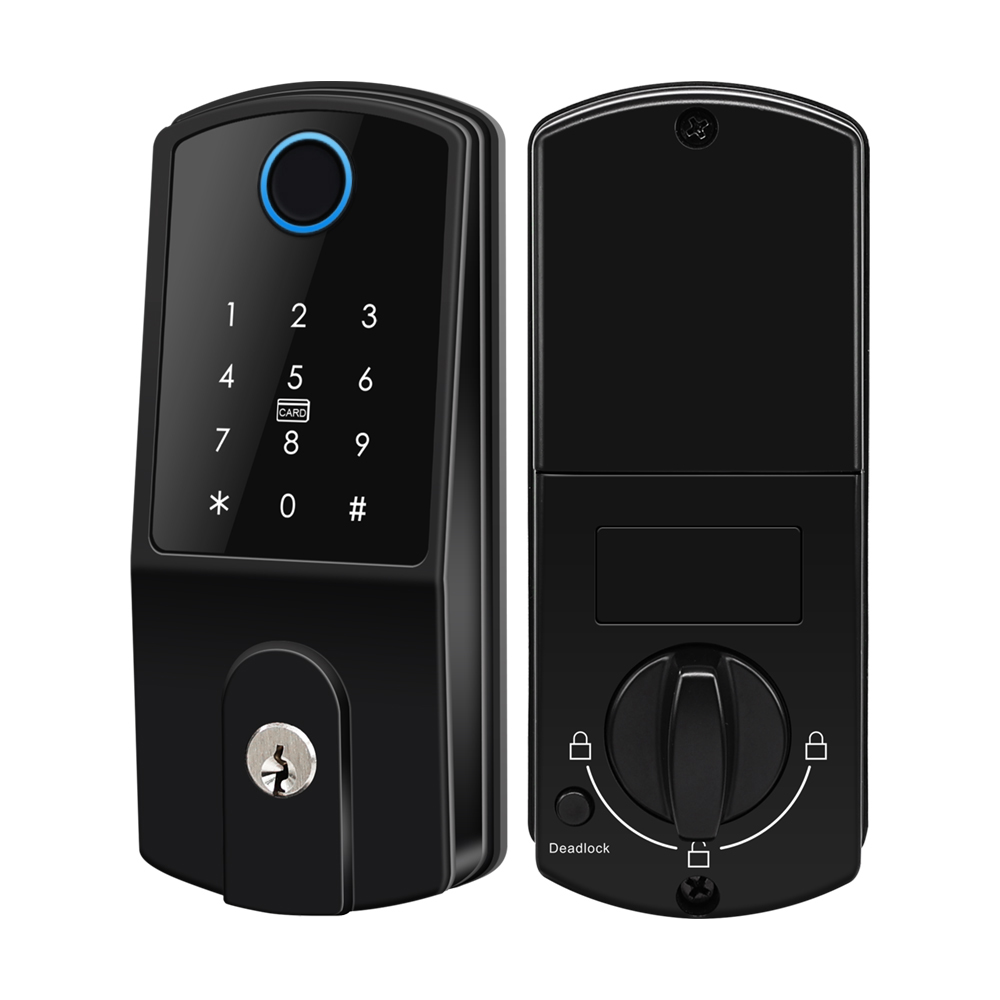
No, you will not be locked out. A key advantage of phone-access smart locks is that they provide multiple backup entry methods. Most models include at least one physical key for emergency use . Our D301-BT also features a keypad for PIN code entry and a fingerprint sensor, allowing you to unlock the door even without your smartphone . It also has an emergency power port, so you can jumpstart the lock if the internal batteries are depleted.
2. How do I pair my Smart Door Lock with Phone Access with the Tuya app?
Pairing process for Tuya Bluetooth locks:
1) Download Tuya Smart or Smart Life app
2) Create an account and log in
3) Operate on the smart lock as below to make it in pairing mode:
* master code # 4 5 1 # (factory default master code: 123456)
4) Tap Add Device (+) on the home screen
3. How long does the battery of this Smart Door Lock with Phone Access can work?
people to replace batteries intelligently if battery is low.