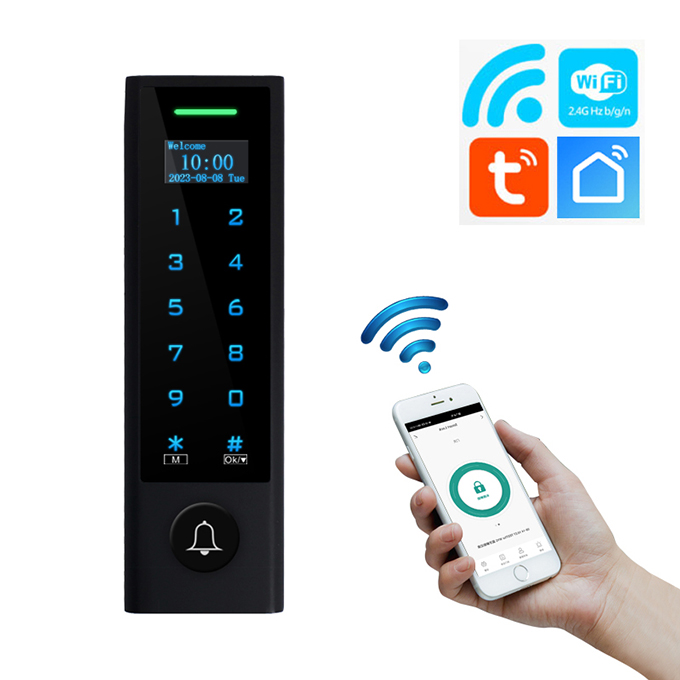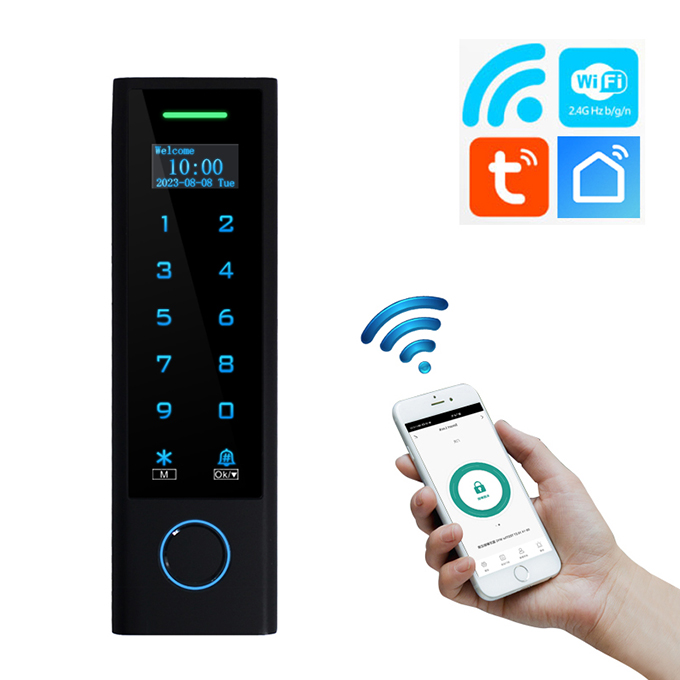



HFD1-WIFI
12~28V AC/DC Fingerprint OLED Smart Access
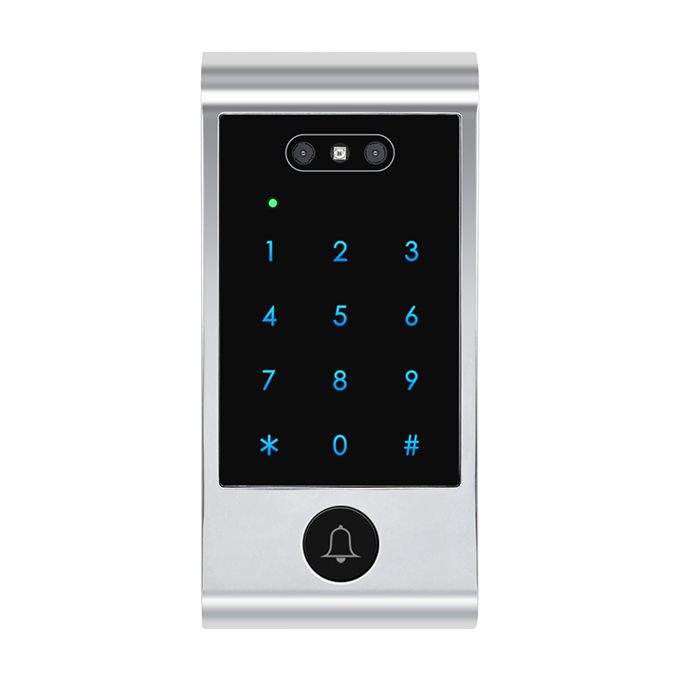
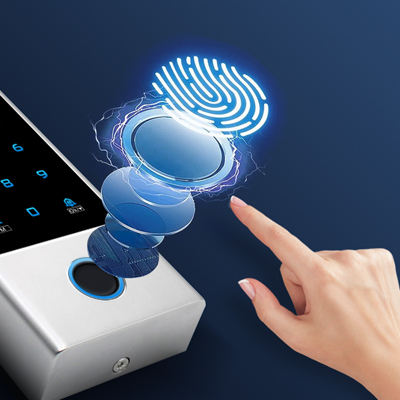
Capacitive Fingerprint Sensor, touch keypad, OLED display
Waterproof, conforms to IP67
Metal housing, anti-vandal
Card type: EM Card or EM+ Mifare Card optional
iOS and Android available
Add / Delete users by APP
Can set Time Restriction for users
Temporary Password (One-time Or Period Code)
Support checking Opening Record
Remotely Access
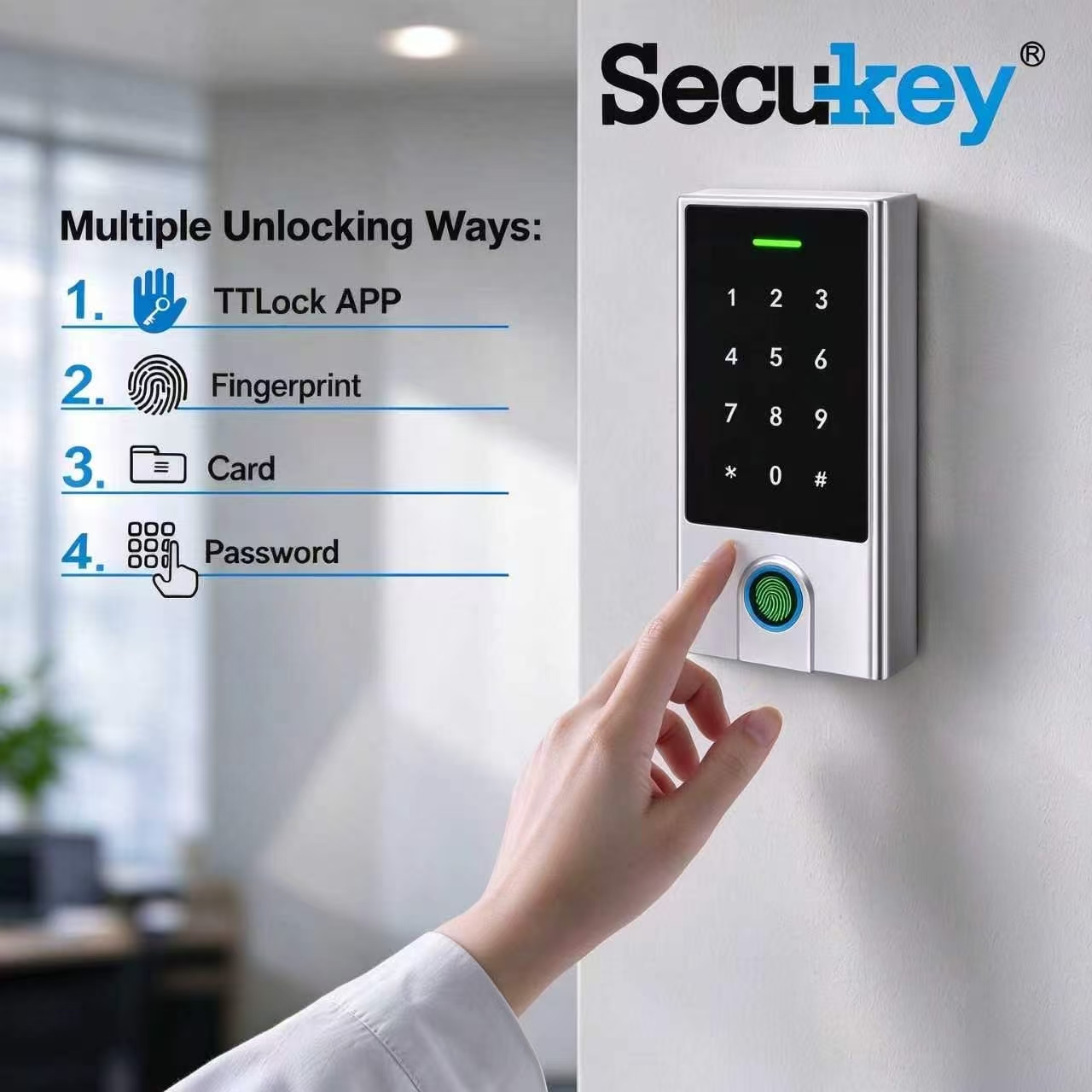
Multiple Access Modes: Smartphone, Fingerprint, Card, PIN
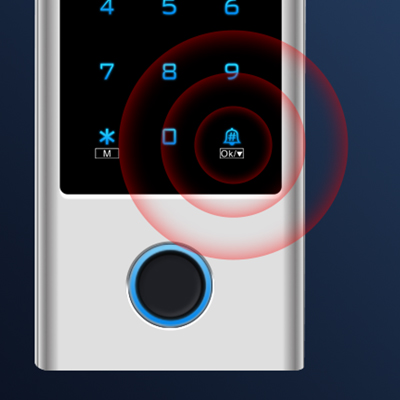
Doorbell Call Notice


Sales Inquiry
Description of 12~28V AC/DC Fingerprint OLED Smart Access
The HFD1-WIFI is an OLED Display Fingerprint Access Control compatible with WiFi.
People can check operation steps through the screen, easy to use!
It is integrated with Tuya which supports 500 mobile users and 10000 local users.
People can check operation steps through the screen, easy to use!
It is integrated with Tuya which supports 500 mobile users and 10000 local users.
Features of 12~28V AC/DC Fingerprint OLED Smart Access
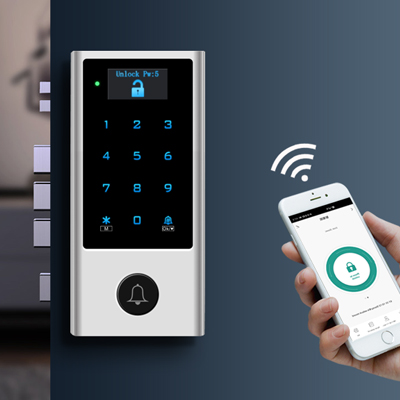
Mobile APP Remotely Unlock
 TuyaSmart
 SmartLife
User-friendly, menu operation
clear at a glance
Full-view OLED
clear at a glance
Full-view OLED
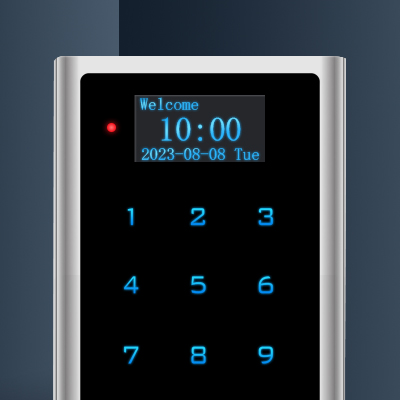


For Hardware: 10,000 Card/PIN+500 Fingerprint
For APP: 500 Mobile APP
1000 Temporary PIN
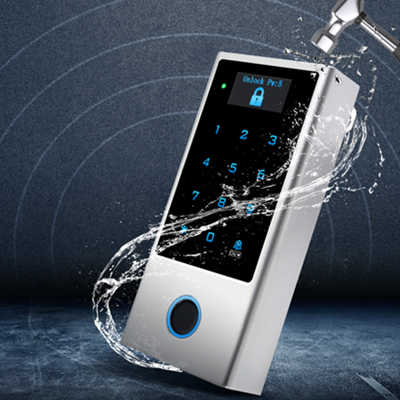
Waterproof IP67
Metal Case, Anti-vandal
Metal Case, Anti-vandal
Doorbell Call Notice in APP
FAQs of 12~28V AC/DC Fingerprint OLED Smart Access
1. What is HFD1-WIFI access control?
HFD1-WIFI is a WiFi-enabled access control device built with an OLED display for intuitive operation and setup guidance.
2. Does HFD1-WIFI support to customize customer PID?
Yes, the HFD1-WIFI supports to customize customer PID for a more convenient management and maintaince of firmware.
3. How many users can the HFD1-WIFI access control support?
Integrated with Tuya platform, it supports 500 mobile app users and 10000 local users(Card+PIN users) & 500 Fingerprint Users for large capacity access management.
4. Is HFD1-WIFI easy to install and operate?
Equipped with a built-in OLED display, users can view clear operation steps directly on the screen, making the device simple and user-friendly.