


XK6-RX(1-Wire)
1-Wire Keypad Reader (EM+HID+MF)
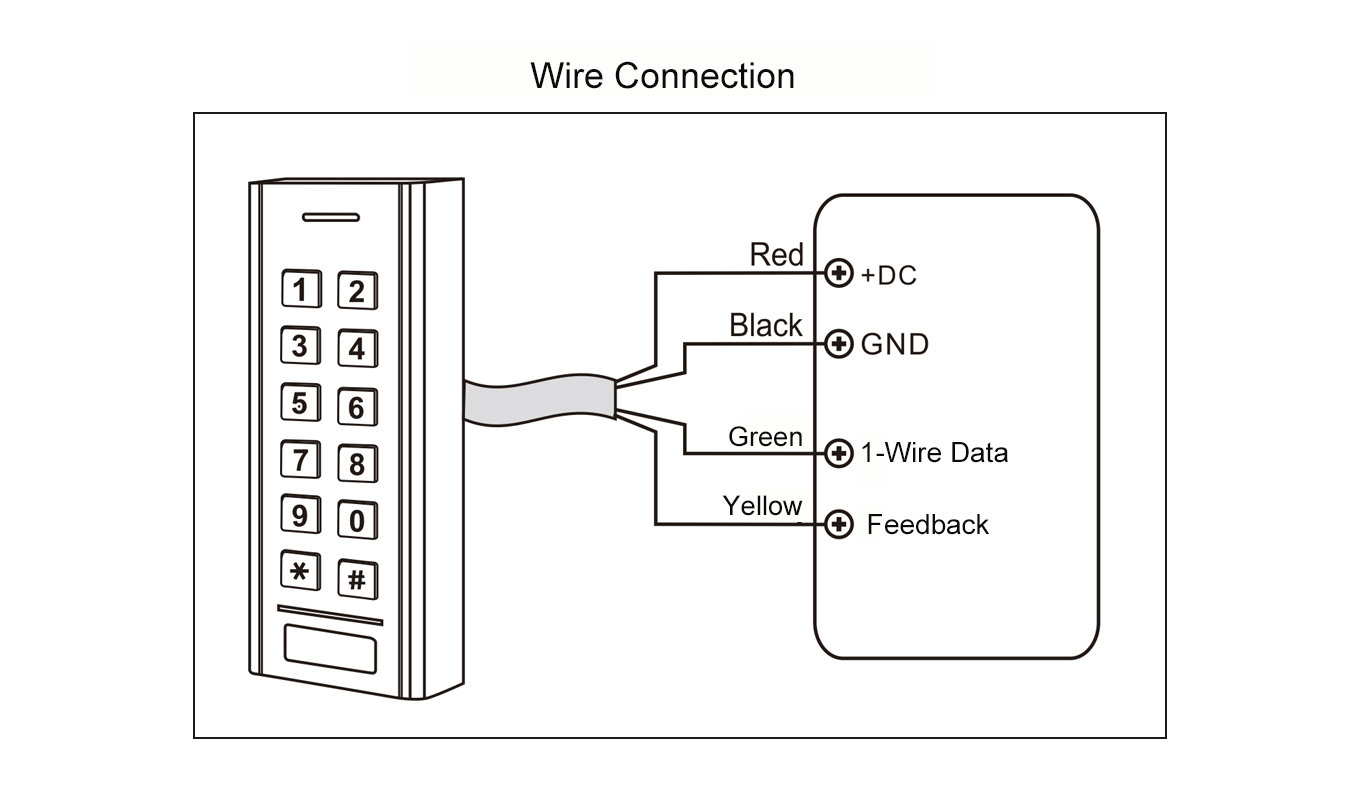
Standard 1-Wire protocol
Power Supply: 9-80V DC
Built-in antenna
Supports 125kHz EM & 125KHz HID & 13.56MHz Mifare cards
Low Power consumption
Built-in buzzer
Read range up to 8cm
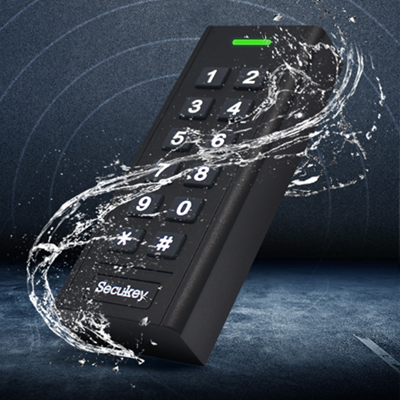
Waterproof, conforms to IP67


Sales Inquiry
Description of 1 wire rfid reader
XK6-RX (1-Wire) is a standard 1-Wire Protocol keypad reader.
It can read 125KHz EM & HID cards and 13.56MHz Mifare Cards.
Because of waterproof, it can be mounted either indoor or outdoor in harsh environments.
It can read 125KHz EM & HID cards and 13.56MHz Mifare Cards.
Because of waterproof, it can be mounted either indoor or outdoor in harsh environments.
Features of 1 wire rfid reader
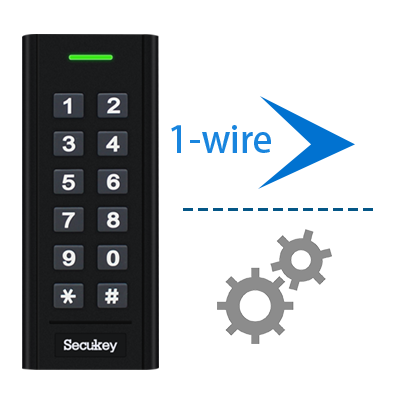
Standard 1-wire output
 Smart Phone
  Fingerprint
 PIN
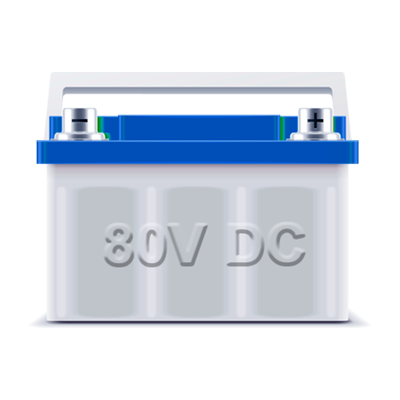
PINWide voltage input 9~80V DC
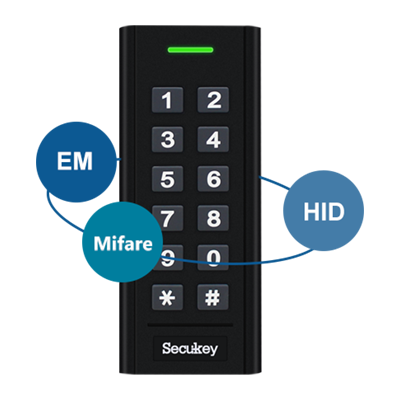
3 in 1 Universal Keypad
Waterproof IP67
FAQs of 1 wire rfid reader
1. Can this reader read card serial numbers (UID) or encrypted sector data?
This reader reads the unique card serial number (UID/CUID) from both 125 kHz and 13.56 MHz cards. The UID is typically 4 bytes (8 hex digits) for 13.56 MHz cards and is output via the 1-Wire data line to the controller.
What it does NOT do:
>It does not read encrypted data from sectors (e.g., Mifare application data, financial data, or secured files)
>It does not perform mutual authentication or cryptographic challenges
>It does not write data to cards
2. Can I use this reader with a Wiegand controller?
No, this reader uses the 1-Wire protocol, which is not directly compatible with standard Wiegand controllers (which expect D0 and D1 data lines). To use this reader with a Wiegand controller, you would need a 1-Wire to Wiegand converter module. Alternatively, consider using a reader that natively supports both protocols if you need Wiegand compatibility. Always confirm that your controller specifically lists 1-Wire support in its specifications before connecting this reader.
3. What should I do if the reader does not beep or light up when a card is presented?
First, verify the power supply is within 9–18 VDC and correctly connected to Pin 4 (+) and Pin 3 (GND). Check that the voltage does not drop below 9V when the reader is active. Next, ensure the 1-Wire data line (Pin 1) is securely connected to the controller's 1-Wire input and that the controller supports the 1-Wire protocol. If wiring is correct but the reader still does not respond, try presenting both a 125 kHz card and a 13.56 MHz card to rule out frequency compatibility issues. Finally, check if the LED/Buzzer control line (Pin 2) is inadvertently grounded or shorted, as this could override the reader's internal feedback.